
Light Tactile Feedback
A tactile event gives each keypress physical feedback without requiring a click mechanism.
CHERRY · MX2A SERIES
CHERRY MX2A Brown is a light tactile mechanical switch for users who want physical keypress feedback without an intentional click. It combines 45 cN actuation with 2.0 mm pre-travel, 4.0 mm total travel and factory lubrication for a familiar full-height MX typing experience.
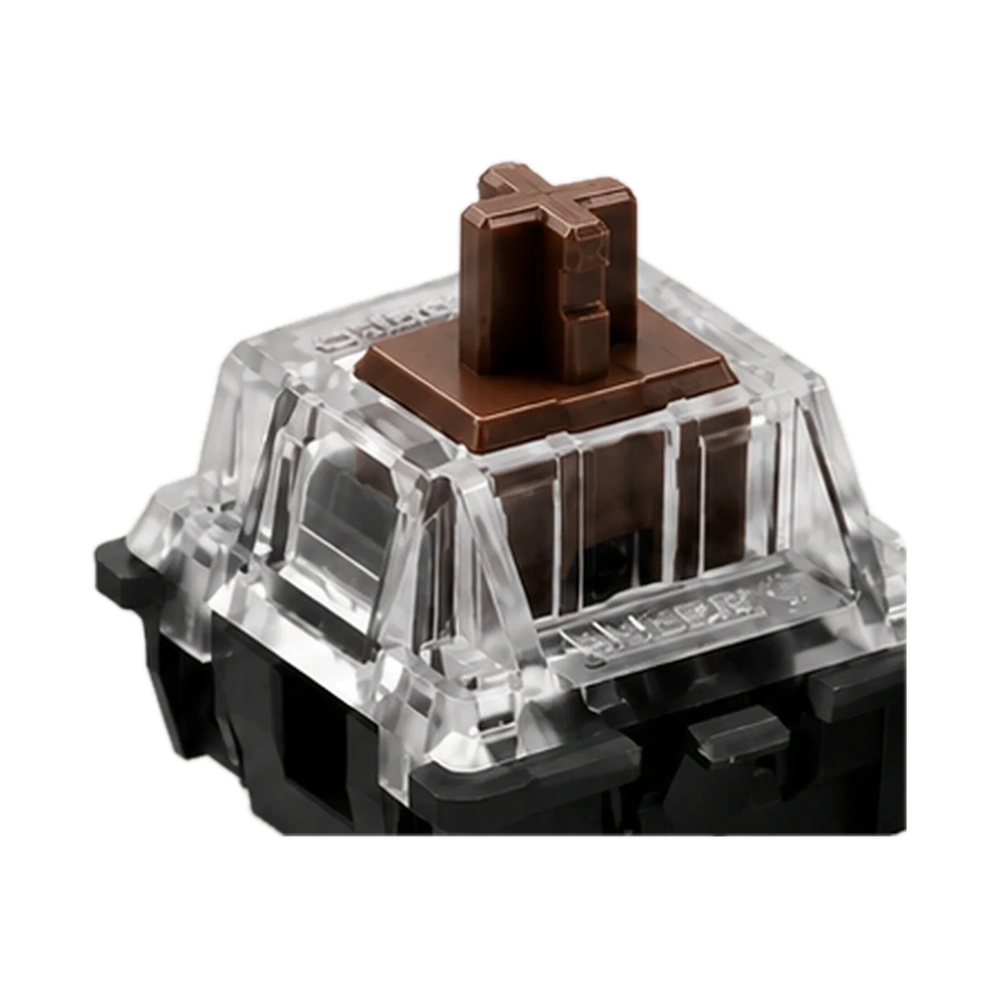 CHERRY MX2A Red · Product view
3-Pin · 10 switches
In stock
Price and availability are checked by KeebPilot at checkout.
02 / THE ESSENTIALS
03 / WHY BROWN
A tactile event gives each keypress physical feedback without requiring a click mechanism.
2.0 mm pre-travel and 4.0 mm total travel retain a familiar full-height mechanical switch stroke.
Choose the mounting version that matches your keyboard PCB and plate.
04 / THE KEYSTROKE
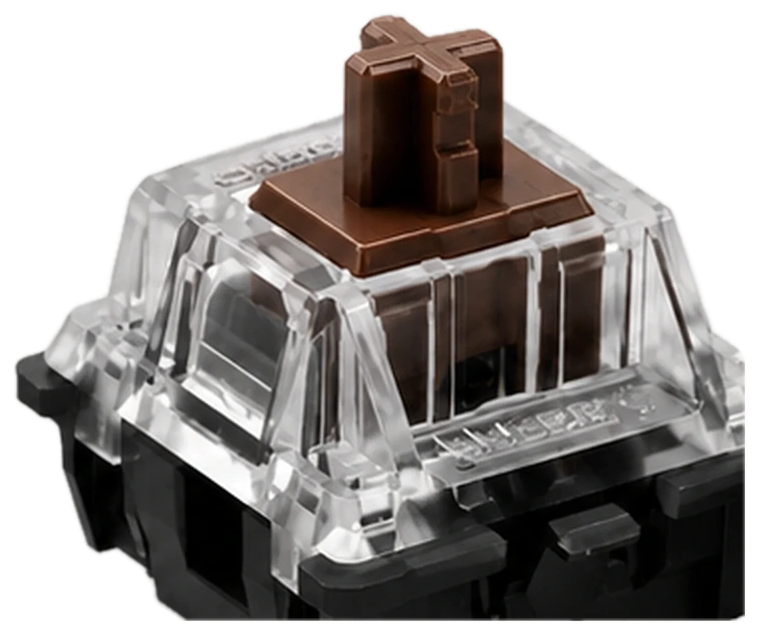
MX2A Brown adds a noticeable tactile event during the keypress without the intentional click of a clicky switch. The feedback gives you a physical indication during the stroke while keeping the overall character quieter than a clicky design.
Choose Brown when you want tactile feedback without clicky-switch sound.
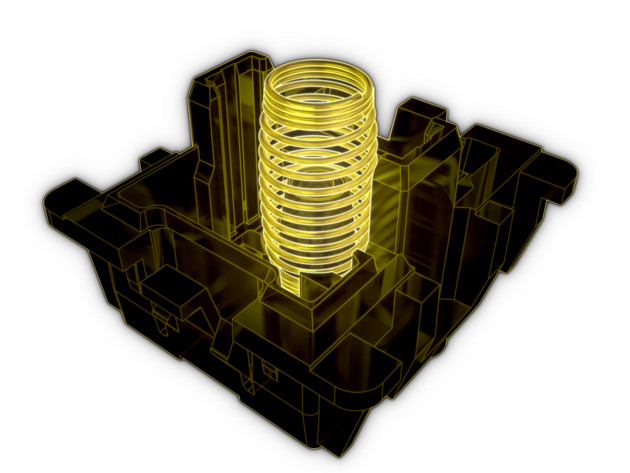
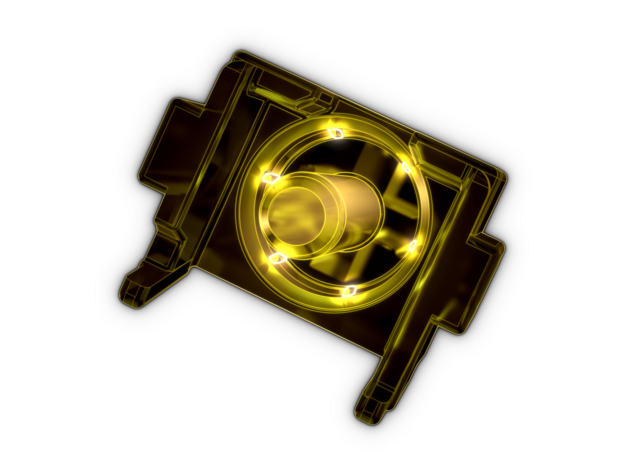
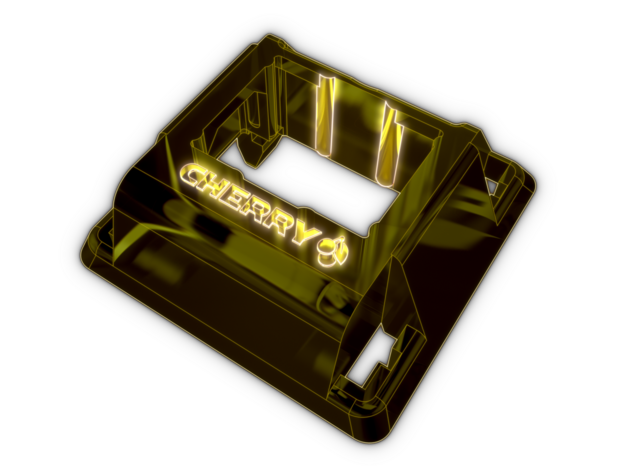
CHERRY MX2A series illustrations · Colors are illustrative, not material finishes.
KeebPilot Sound Test
Listen to MX2A Brown in a real keyboard setup and hear its light tactile, non-clicky character.
Sound varies with keyboard case, plate, keycaps, mounting structure, and recording setup.
07 / CHOOSE YOUR FIT
Choose the mounting version that matches your keyboard PCB and plate.
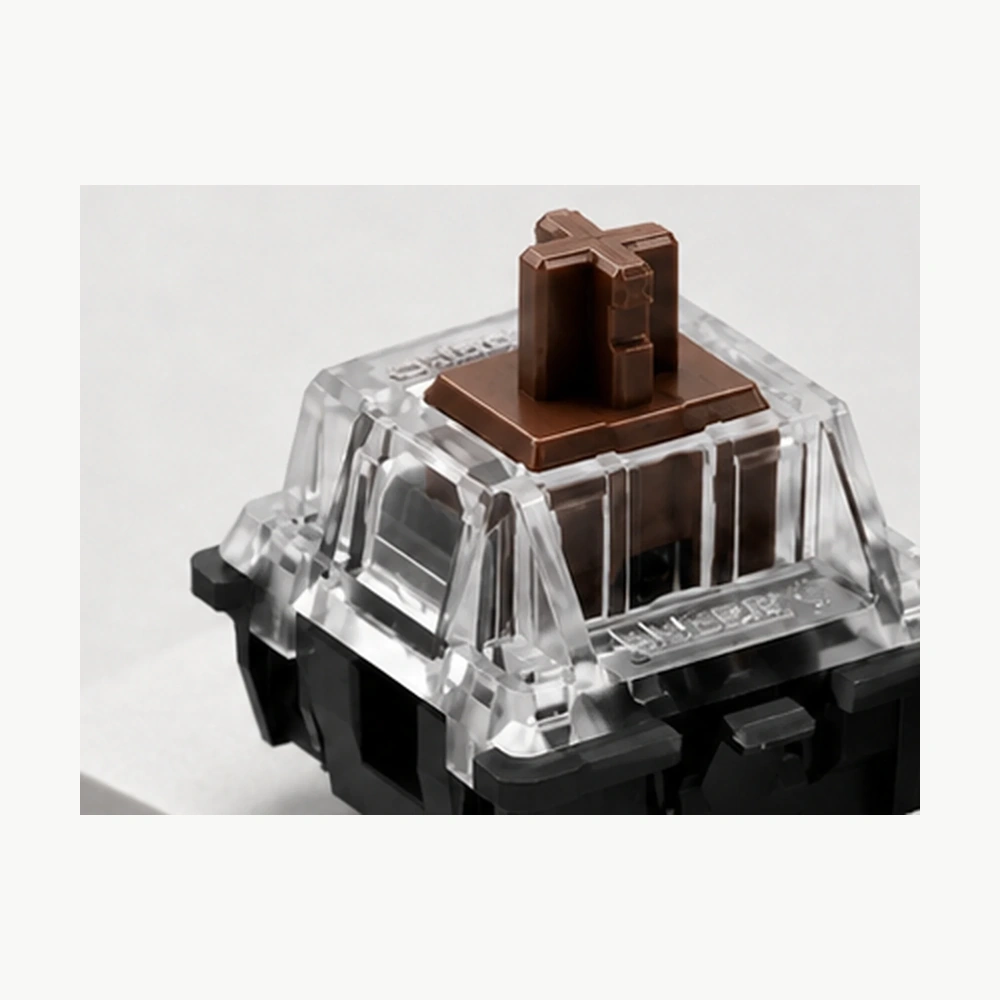 3-Pin
3-PinThe 3-pin option uses the standard switch contacts and center mounting post without the two additional PCB locating pins.
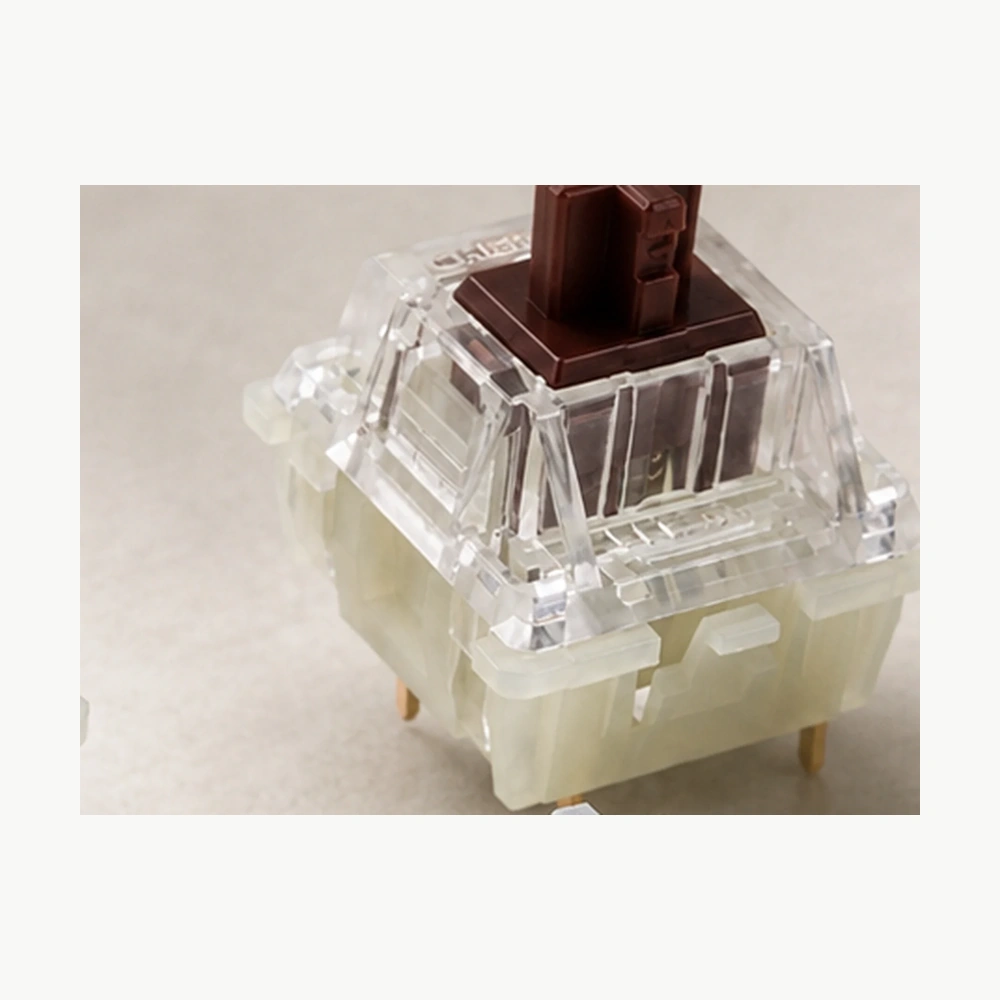 5-Pin
5-PinThe 5-pin option adds two PCB locating pins for compatible PCB layouts.
Choose based on your keyboard PCB—not sound or feel.
Product photographs show the selected mounting version; confirm PCB compatibility before ordering.08 / BEFORE YOU BUILD
CHERRY MX2A Brown uses the standard MX-style switch format. Your keyboard must support the mounting layout you select.
Choose 3-pin or 5-pin based on your PCB and plate layout.
For hot-swap boards, check the socket, PCB holes and plate layout before ordering.
09 / BUILD YOUR PACK
Exact switch counts vary by layout. Consider keeping a few spare switches for replacements.
10 / THE MX2A LINEUP
One family.
Different ways to feel every key.
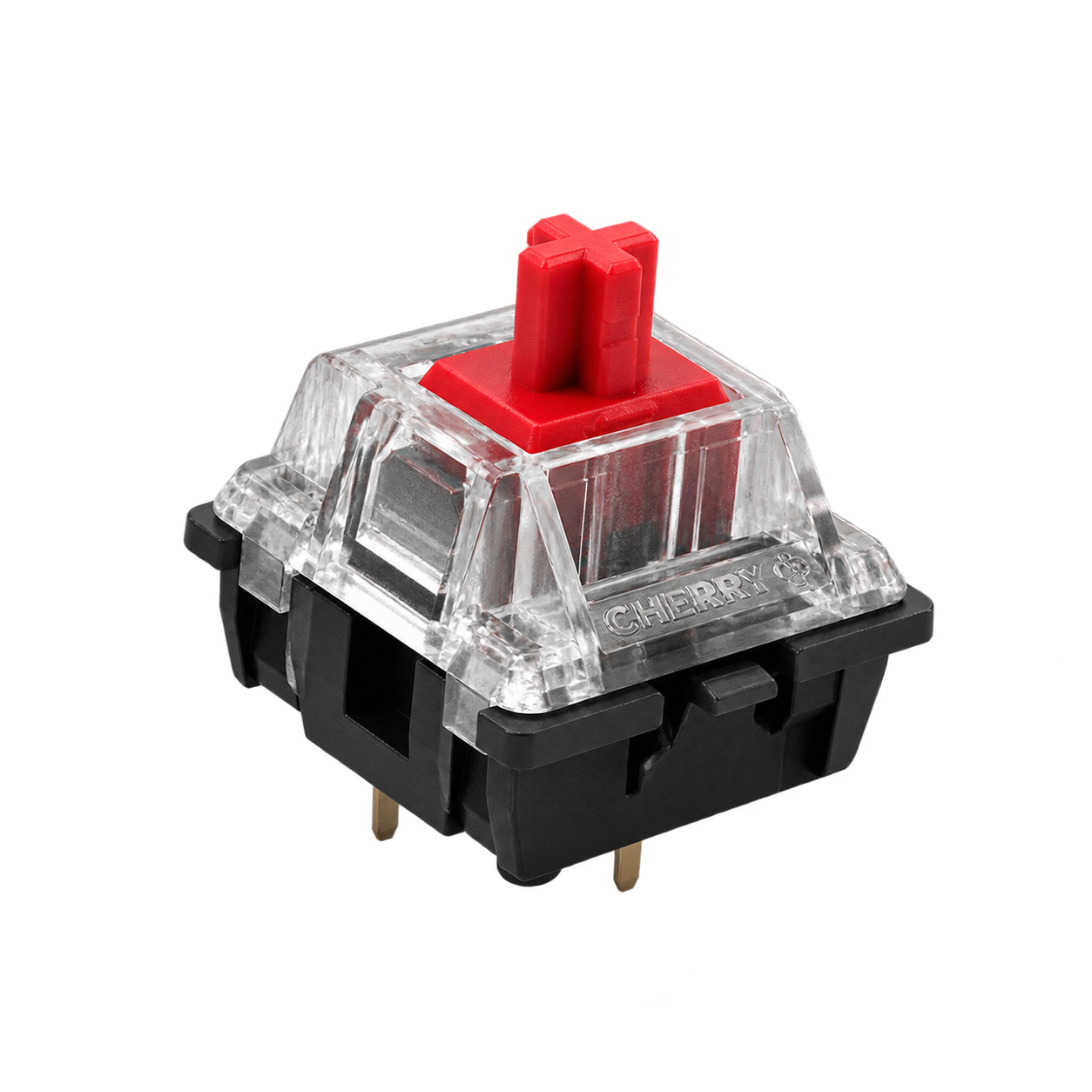
CHERRY MX2A RedShop Red |
CHERRY MX2A BrownCURRENT PRODUCTBuy Brown |
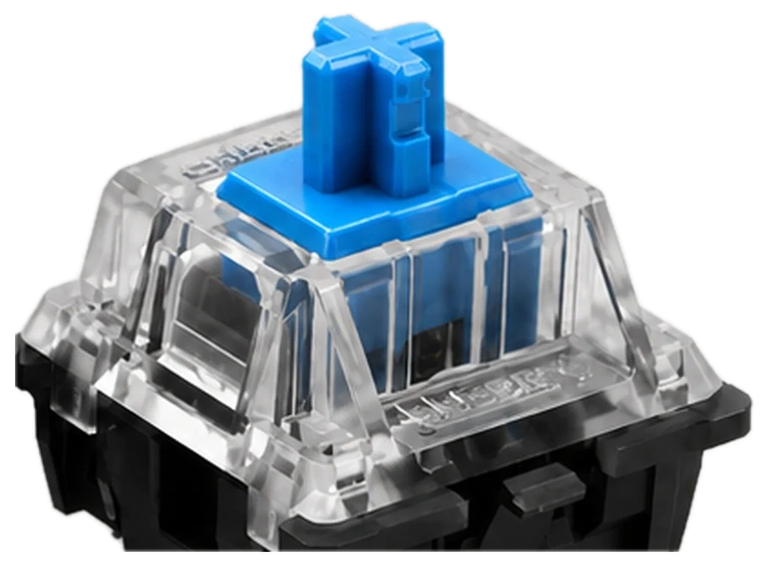
CHERRY MX2A BlueShop Blue |
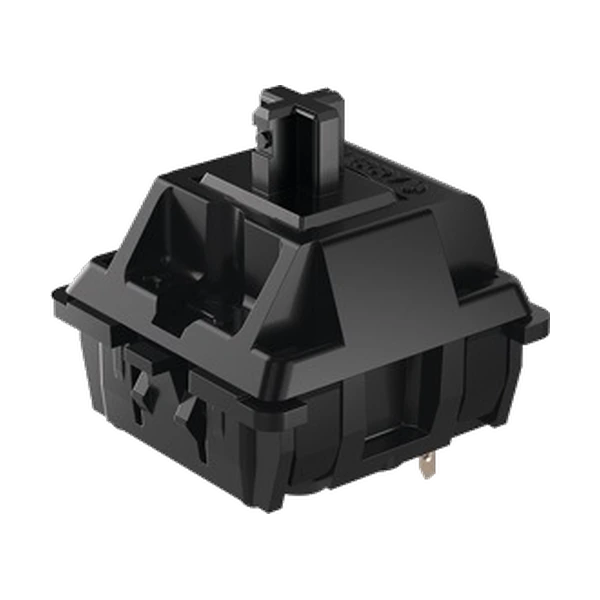
CHERRY MX2A BlackShop Black |
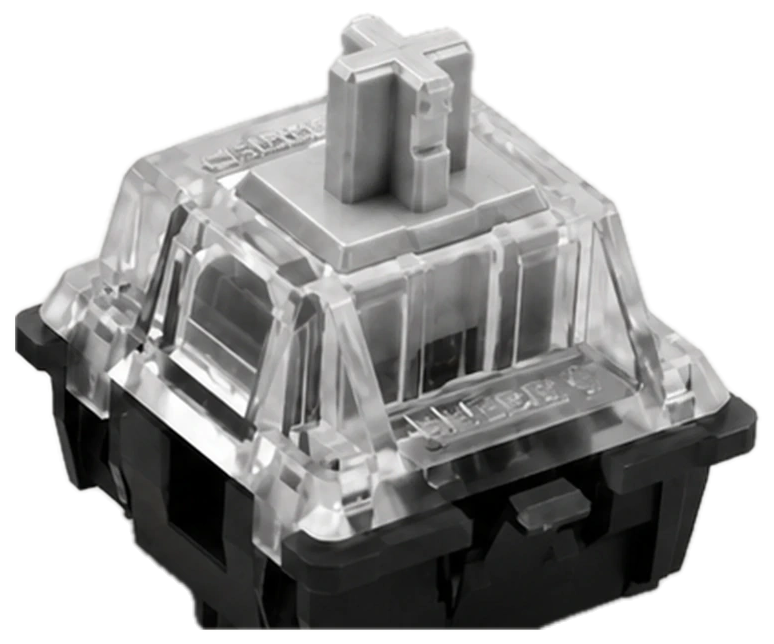
CHERRY MX2A Speed SilverShop Speed Silver |
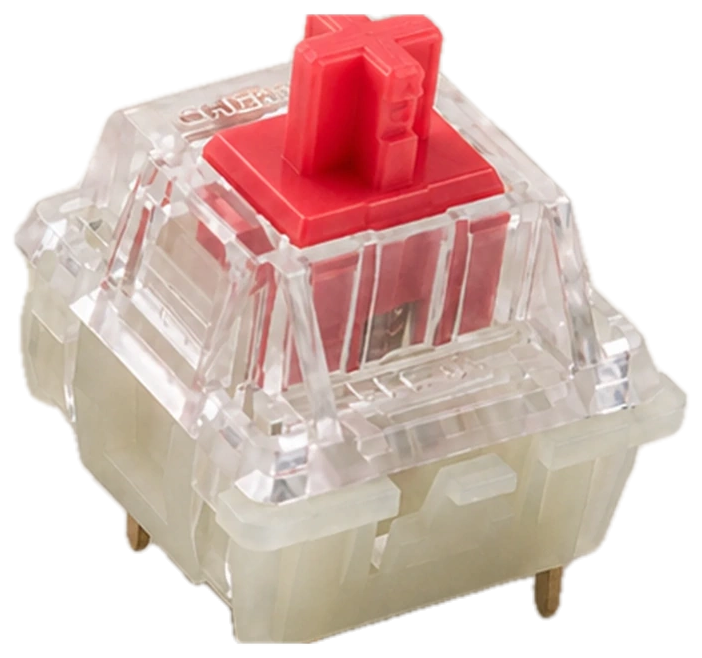
CHERRY MX2A Silent RedShop Silent Red |
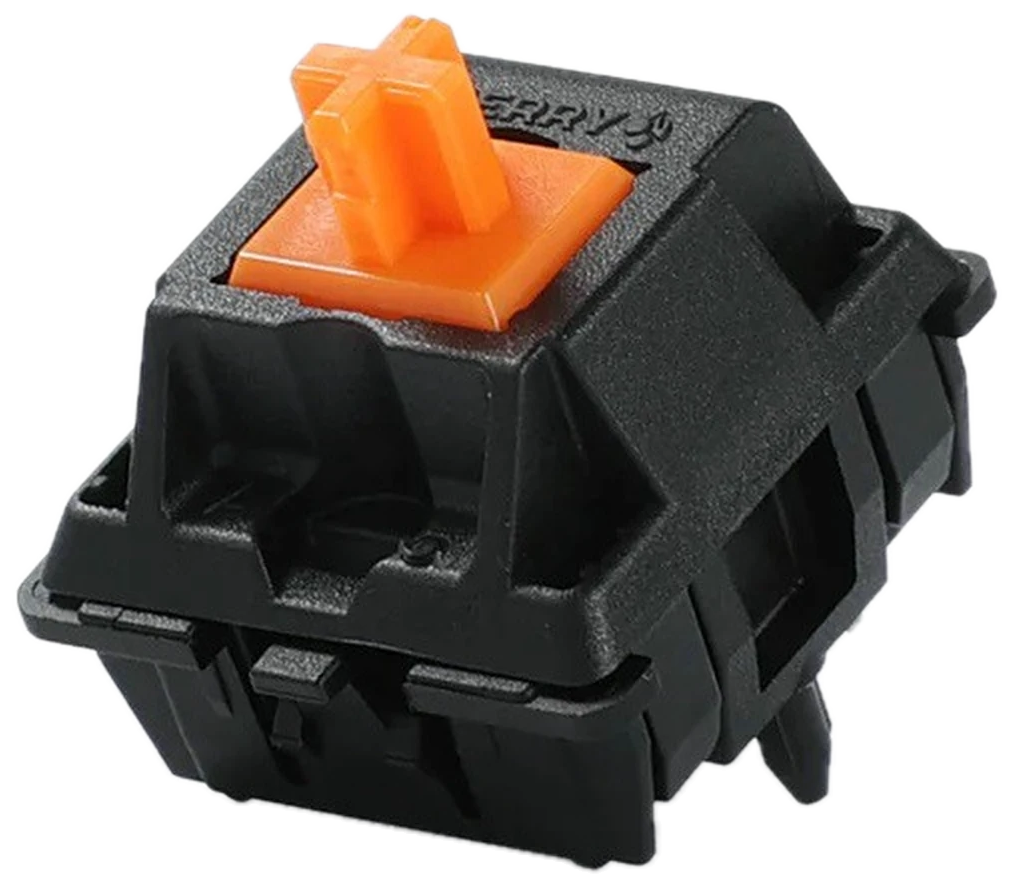
CHERRY MX2A OrangeShop Orange |
|---|---|---|---|---|---|---|
| FeelLinear | FeelTactile | FeelClicky Tactile | FeelLinear | FeelLinear | FeelSilent Linear | FeelLinear |
| Actuation45 cN | Actuation45 cN | Actuation50 cN | Actuation60 cN | Actuation45 cN | Actuation45 cN | Actuation55 cN |
| Pre-travel2.0 mm | Pre-travel2.0 mm | Pre-travel2.2 mm | Pre-travel2.0 mm | Pre-travel1.2 mm | Pre-travel1.9 mm | Pre-travel2.0 mm |
| Availability3-Pin + 5-Pin | Availability3-Pin + 5-Pin | Availability3-Pin + 5-Pin | Availability5-Pin only | Availability3-Pin + 5-Pin | Availability5-Pin only | Availability5-Pin only |
Choose Brown when you want tactile feedback without clicky-switch sound.
11 / IN DETAIL
CHERRY MX2A Brown belongs to the tactile side of the CHERRY mechanical switch family. It keeps the familiar full-height MX travel profile while adding physical feedback during the keypress without an intentional click.
Its light tactile feedback can suit users who want one familiar switch character for everyday writing, work and games.
Tactile, Not Linear. It is a practical middle ground for users who do not want completely uninterrupted linear travel but also do not want an intentional click.
Non-Clicky, Not Silent. They do not have an intentional click mechanism, but they are not silent switches. Final keyboard sound still depends on the case, plate, keycaps, mounting structure and typing force.
Explore CHERRY switches or use the MX2A Family Comparison to choose your preferred feel.
12 / GOOD TO KNOW
Yes. MX2A Brown is a tactile mechanical switch that provides a noticeable physical event during the keypress without an intentional click.
45 cN is the actuation figure used on this page. A 55 cN figure also appears in some Brown specifications, but it should not replace 45 cN as the actuation value used for this MX2A Brown PDP.
They provide light tactile feedback during the stroke without the intentional acoustic click of a clicky switch.
They can be a good fit for users who like physical feedback while typing but do not want an intentional click. Switch feel remains a personal preference.
Yes, they can be used for gaming. Brown is best chosen for its tactile, non-clicky feel rather than for a guaranteed gaming-performance advantage.
They do not have an intentional click mechanism, but they are not silent switches. Final keyboard sound still depends on the case, plate, keycaps, mounting structure and typing force.
The 5-pin version adds two PCB locating pins. The main switch feel remains the same, so choose the mounting version that matches your keyboard PCB and plate.
Brown is tactile, while Red is linear. Brown provides physical feedback during the stroke; Red moves continuously without a tactile event.
Both provide tactile feedback, but Blue adds an intentional audible click. Brown is the non-clicky choice when you want tactile feedback without the same acoustic switching event.
YOUR NEXT BUILD
Choose your mount and pack above.