MECHANICAL KEYBOARDS

Mechanical Keyboards

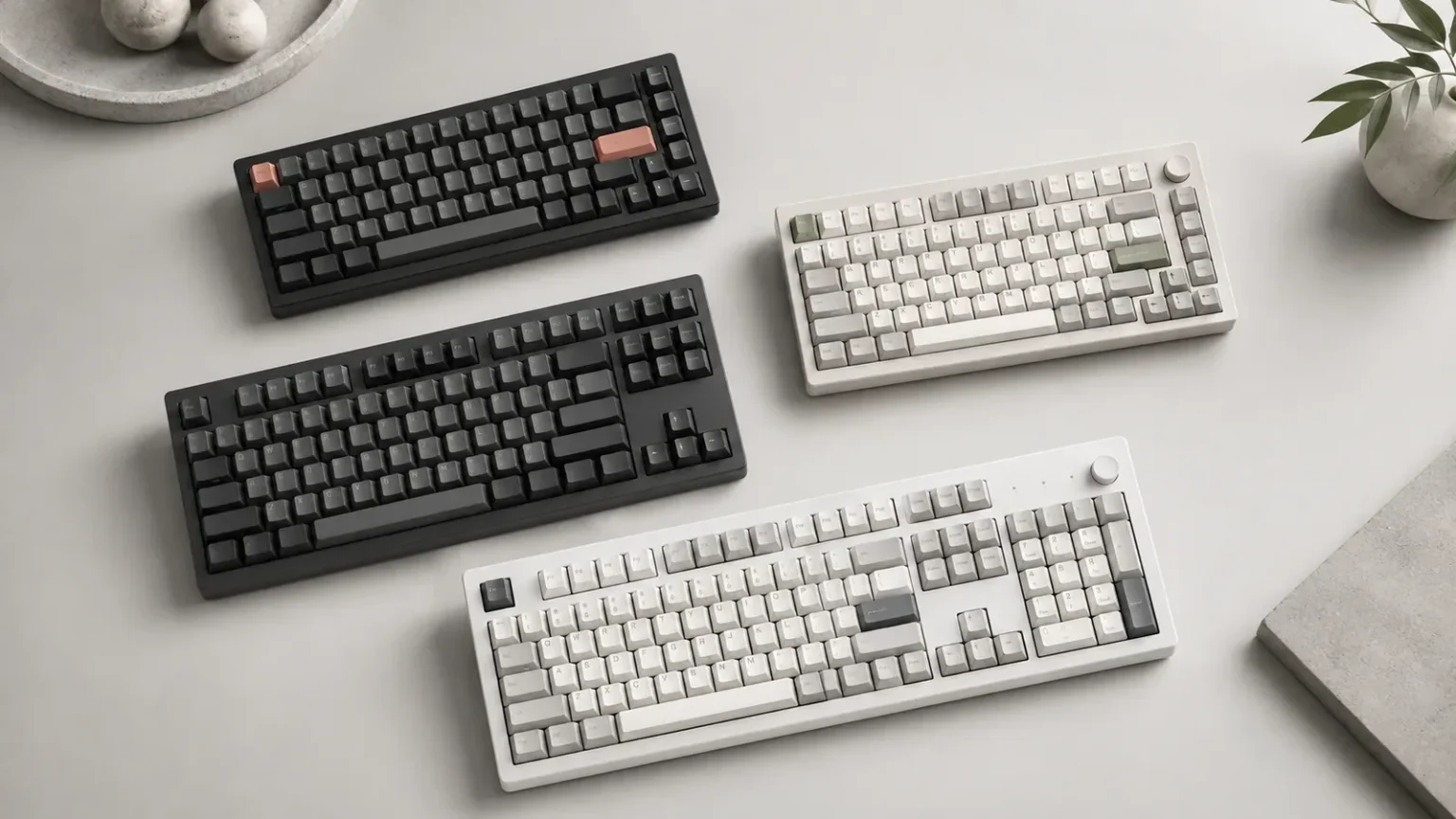
Explore mechanical keyboards for custom setups, gaming, work and everyday typing. Compare layouts, brands, connectivity, PCB type, case materials and customization features, then use the filters to narrow the collection to keyboards that fit your desk and workflow.

Mechanical keyboards in multiple layouts and sizes
7 keyboards
TKL

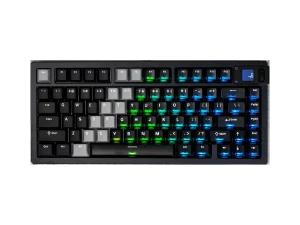
MonsGeek M3 V5 Magnetic Keyboard

MonsGeek
  • BrandMonsGeek
  • LayoutTKL
  • Mounting StyleNot specified
  • Case MaterialNot specified
  • ConnectivityTri-mode
  • Firmware SupportNot specified
  • StatusIn stock
  • BrandMonsGeek
  • LayoutTKL
  • Mounting StyleNot specified
  • Case MaterialNot specified
  • ConnectivityTri-mode
  • Firmware SupportNot specified
  • AvailabilityIn stock
Full-size

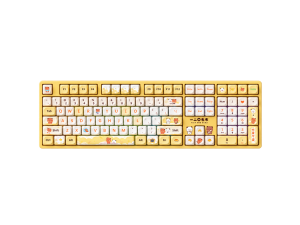
AKKO Yier and Bubu 5108B Plus Mechanical Keyboard

AKKO
  • BrandAKKO
  • LayoutFull-size
  • Mounting StyleNot specified
  • Case MaterialPlastic
  • ConnectivityTri-mode
  • Firmware SupportProprietary
  • StatusOut of stock
  • BrandAKKO
  • LayoutFull-size
  • Mounting StyleNot specified
  • Case MaterialPlastic
  • ConnectivityTri-mode
  • Firmware SupportProprietary
  • AvailabilityOut of stock
Full-size

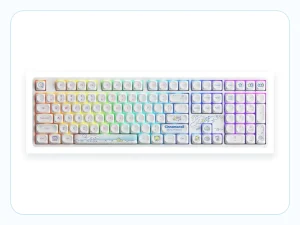
AKKO Prunus Lannesiana 3108RF Mechanical Keyboard

AKKO
  • BrandAKKO
  • LayoutFull-size
  • Mounting StyleTray
  • Case MaterialPlastic
  • Connectivity2.4G
  • Firmware SupportNot specified
  • StatusIn stock
  • BrandAKKO
  • LayoutFull-size
  • Mounting StyleTray
  • Case MaterialPlastic
  • Connectivity2.4G
  • Firmware SupportNot specified
  • AvailabilityIn stock
75%

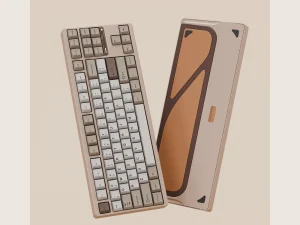
AKKO MOD007 V5 HE Magnetic Keyboard

AKKO
  • BrandAKKO
  • Layout75%
  • Mounting StyleGasket
  • Case MaterialAluminum
  • ConnectivityTri-mode
  • Firmware SupportProprietary
  • StatusIn stock
  • BrandAKKO
  • Layout75%
  • Mounting StyleGasket
  • Case MaterialAluminum
  • ConnectivityTri-mode
  • Firmware SupportProprietary
  • AvailabilityIn stock
Full-size

AKKO Cinnamoroll Star 5108B Plus Mechanical Keyboard

AKKO
  • BrandAKKO
  • LayoutFull-size
  • Mounting StyleTray
  • Case MaterialABS frame
  • ConnectivityTri-mode
  • Firmware SupportProprietary (Akko Cloud Driver)
  • StatusIn stock
  • BrandAKKO
  • LayoutFull-size
  • Mounting StyleTray
  • Case MaterialABS frame
  • ConnectivityTri-mode
  • Firmware SupportProprietary (Akko Cloud Driver)
  • AvailabilityIn stock

Choose a Mechanical Keyboard by Layout First

Start with keyboard size and layout before comparing extra features. Full-size boards keep a numpad, TKL keyboards remove it, and smaller 75%, 65% and 60% layouts reduce the footprint further. Once the layout matches your desk space and workflow, it becomes much easier to compare the remaining options.

Compare Connectivity, PCB and Build Features

After choosing a layout, compare wired or wireless connectivity, hot-swap or solder PCB support, case material, mounting style and firmware. Check switch and keycap compatibility on the individual product page, then use the available filters to narrow the collection.

Frequently Asked Questions

What is a mechanical keyboard?
A mechanical keyboard uses individual switches beneath its keys rather than a single membrane layer across the board. Different switch types, layouts and construction choices can all change the overall typing experience.
What size mechanical keyboard should I choose?
Start with the keys you use every day. Full-size keyboards keep a numpad, TKL boards remove it, and smaller 75%, 65% and 60% layouts reduce the footprint further to save desk space.
What is the difference between mechanical and membrane keyboards?
Mechanical keyboards use individual switches beneath the keys, while membrane keyboards generally use dome and membrane layers. The two formats can differ in feel, sound, customization and price.
Are mechanical keyboards good for gaming?
Mechanical keyboards can work well for gaming, but layout, switch technology, latency, firmware and connectivity may matter more than the word mechanical alone. Compare those specifications according to the games you play.
Are mechanical keyboards good for typing?
Many users like mechanical keyboards for typing because they can choose different layouts, switch types and build styles. The right keyboard depends on how you type and which features matter most to your setup.
What does hot-swappable mean on a mechanical keyboard?
A hot-swappable keyboard allows compatible switches to be removed and replaced without soldering. It is useful for testing different switch feels or replacing individual switches later.
Should I choose a wired or wireless mechanical keyboard?
That depends on your setup. Wired keyboards keep a direct connection, while wireless models can reduce cable clutter and make multi-device use easier. Some keyboards support both wired and wireless modes.
Do all mechanical keyboards use the same switches?
No. Mechanical keyboards can use different switch families and technologies, and not every switch is interchangeable. Always check compatibility before assuming a replacement switch will fit.
Does keyboard case material affect typing feel and sound?
Yes, but it is only one factor. Plate material, mounting style, switches, keycaps and internal dampening also influence how a keyboard feels and sounds in real use.
What should I check before buying a mechanical keyboard?
Start with layout, then compare switch technology, connectivity and the features you actually need. Check whether hot-swap support, firmware compatibility, case construction, backlighting or extra controls matter to your setup.

Find a Mechanical Keyboard That Fits Your Setup

Compare available mechanical keyboards by layout, brand, connectivity and build features, then use the filters to narrow the collection to boards that match how you type, play and use your desk.