KEYBOARD SWITCHES

Mechanical Keyboard Switches

Browse keyboard switches for custom builds, replacements and upgrades. Compare mechanical switches by type, typing feel, operating force, sound, travel and compatibility, with options ranging from linear, tactile and clicky switches to silent and magnetic designs.

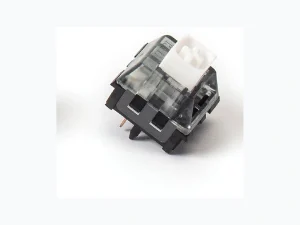
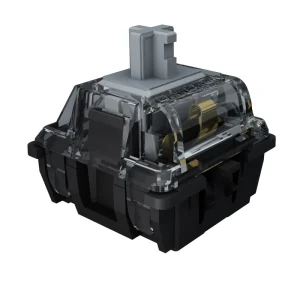
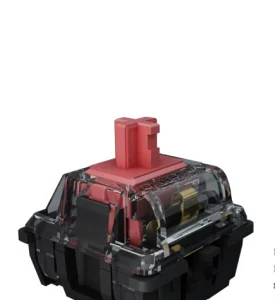
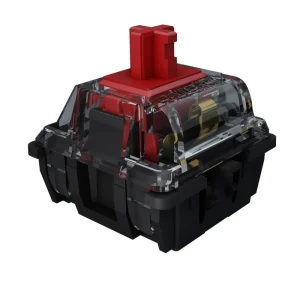
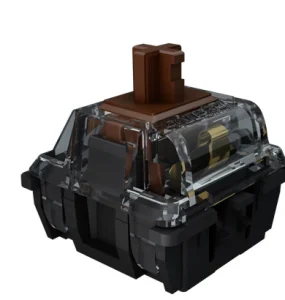
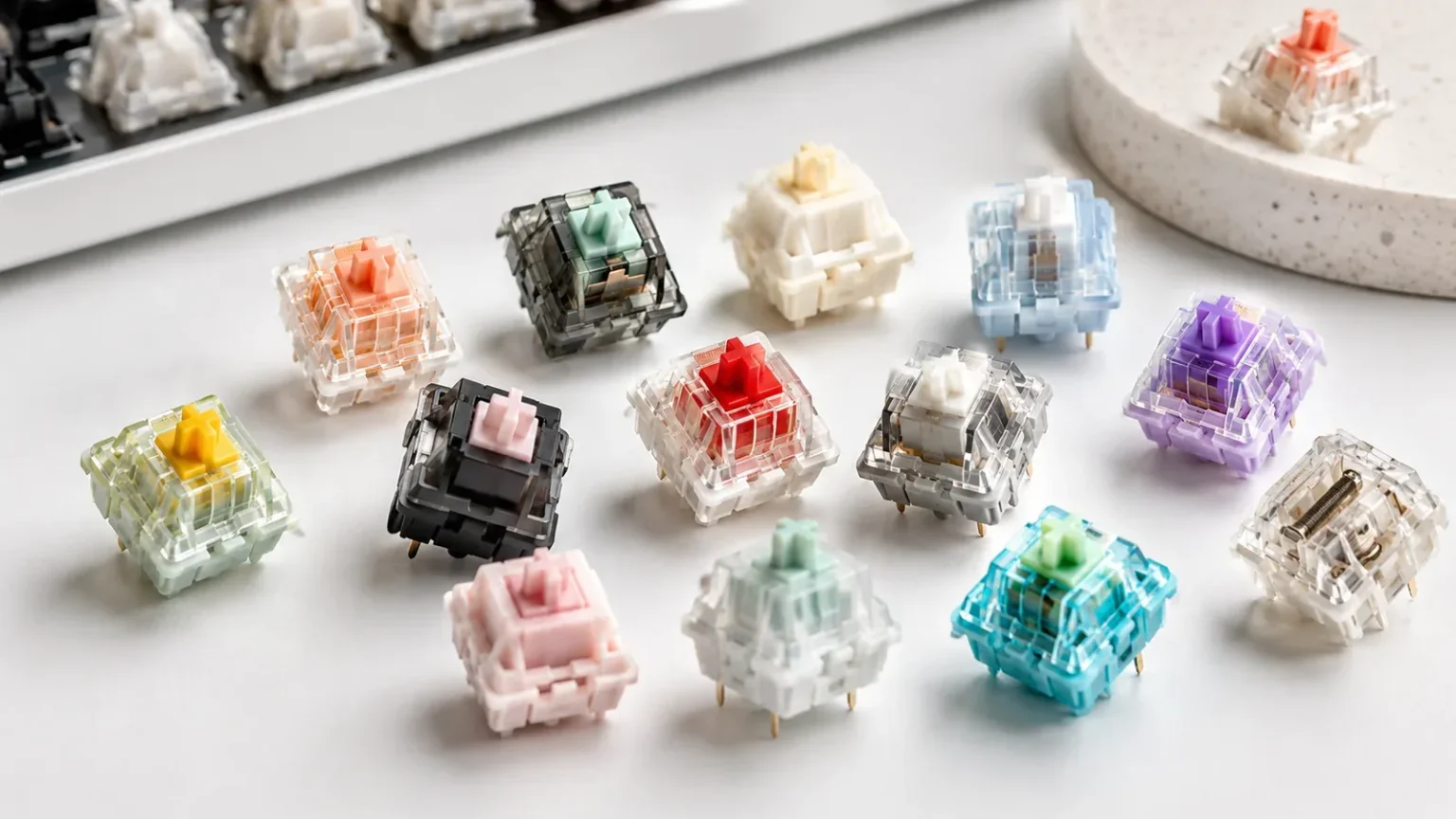
Mechanical keyboard switches in different colors and styles
Filter switches by type, brand, operating force, sound profile, mount and factory lubrication to narrow the list.
53 switches
Clicky

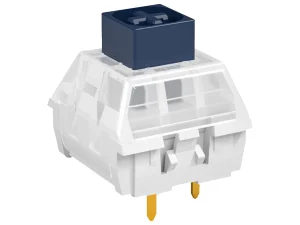
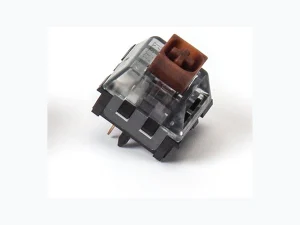
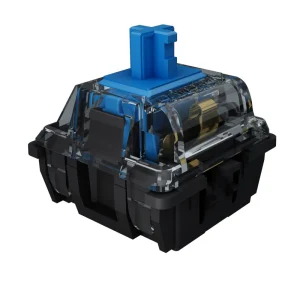
Kailh BOX Navy Switch

Kailh
  • Force60
  • SoundLoud, weighty thick-click
  • LubedNo
  • StatusIn stock
  • TypeClicky
  • Op. Force60
  • SoundLoud, weighty thick-click
  • LubedNo
  • AvailabilityIn stock
  • Bottom-outNot specified
  • Pre-travel1.8
  • Total Travel3.6
  • Mount3-pin
  • Best ForNot specified
Clicky

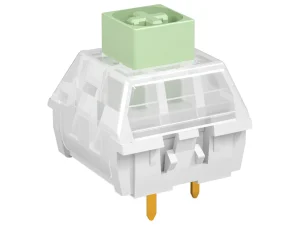
Kailh BOX Jade Switch

Kailh
  • Force50
  • SoundLoud, crisp thick-click
  • LubedNo
  • StatusIn stock
  • TypeClicky
  • Op. Force50
  • SoundLoud, crisp thick-click
  • LubedNo
  • AvailabilityIn stock
  • Bottom-outNot specified
  • Pre-travel1.8
  • Total Travel3.6
  • Mount3-pin
  • Best ForNot specified
Linear

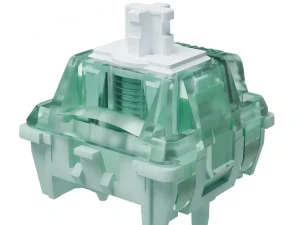
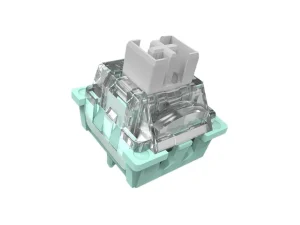
GATERON Magnetic Jade Pro HE Switch Set

GATERON
  • Force36
  • SoundBuild-dependent; back-covered design targets a more focused sound
  • LubedYes
  • StatusIn stock
  • TypeLinear
  • Op. Force36
  • SoundBuild-dependent; back-covered design targets a more focused sound
  • LubedYes
  • AvailabilityIn stock
  • Bottom-outNot specified
  • Pre-travelFreely Adjustable
  • Total Travel3.5
  • Mount5-pin
  • Best ForNot specified

Choose Mechanical Keyboard Switches by Feel, Force and Technology

Start with how you want each keypress to feel. Linear switches move smoothly without a tactile bump, tactile switches add noticeable feedback, and clicky switches combine tactile feedback with an audible click. Silent variants reduce impact noise for shared spaces and late-night setups. After choosing the general feel, compare operating force and travel. Lighter switches can feel easier during rapid or repeated input, while heavier springs add resistance and may reduce accidental presses for some users. Switch technology matters as well: traditional mechanical switches and Hall Effect magnetic switches use different sensing systems, so they are not automatically interchangeable. A magnetic switch should only be selected for a keyboard that explicitly supports the required Hall Effect system. Use the switch type as the starting point, then compare the verified specifications for the exact model rather than assuming switches with similar colors or names will behave the same.

Check Sound, Mount and Compatibility Before You Buy

Sound descriptions such as quiet, deep, clacky or creamy can help narrow choices, but the finished keyboard matters as much as the switch. Housing and stem materials, lubrication, plate, keycaps, case construction and mounting style all influence the final sound. Treat sound profile as a comparison aid rather than a guaranteed result. Before ordering replacement or custom keyboard switches, confirm the switch technology, 3-pin or 5-pin mount, PCB and plate support, and whether the keyboard is hot-swappable. An MX-style keycap stem does not by itself guarantee PCB or socket compatibility. Factory lubrication can reduce preparation before installation, but lubrication quality varies by model. Finally, check the pack quantity against the exact keyboard layout and consider a few spare switches for testing or future replacement. These compatibility checks are more reliable than choosing a switch from its color, marketing name or sound description alone.

Frequently Asked Questions

What are mechanical keyboard switches?
Mechanical keyboard switches are the individual mechanisms beneath the keys of a mechanical keyboard. They define much of the typing feel, required force and sound.
What is the difference between linear, tactile and clicky switches?
Linear switches move smoothly, tactile switches add a bump during the press, and clicky switches add both tactile feedback and a pronounced click sound.
Which keyboard switches are good for gaming?
Many gamers prefer linear switches for their smooth feel, but the best choice still depends on force, travel, sound preference and the keyboard you use.
Which keyboard switches are good for typing?
Tactile switches are popular for typing because they provide physical feedback, while some users still prefer linear switches for longer sessions.
What are the quietest mechanical keyboard switches?
Silent switches are usually the quietest place to start, but case, plate, keycaps and stabilizers also affect overall keyboard noise.
Are Hall Effect switches the same as mechanical switches?
They are sold alongside mechanical switches, but Hall Effect switches use magnetic sensing and require compatible keyboard hardware.
Can I replace the switches in any mechanical keyboard?
No. Your keyboard must support switch replacement, and you still need to confirm socket type, pin layout and switch technology compatibility.
What is the difference between 3-pin and 5-pin keyboard switches?
5-pin switches include extra plastic locating pins for alignment, while 3-pin versions are simpler. Check your PCB or plate support before ordering.
Are factory-lubed keyboard switches worth buying?
Factory lubed switches are convenient for buyers who want a ready-to-use switch, though enthusiasts may still prefer to tune them further.
How many switches do I need for a keyboard?
It depends on your layout. Count the switch positions on your keyboard and compare that with the pack size, then consider buying a few extra switches for testing or replacements.

Find the Right Switch for Your Build

Compare available keyboard switches by type, brand, force, sound and compatibility, then narrow the collection to the options that fit your keyboard and preferred typing feel.