Switches Database

Clicky Switches

Explore clicky switches for mechanical keyboards with audible feedback and distinct tactile response. Compare available models by feel, force and sound to find the right switch for your build.

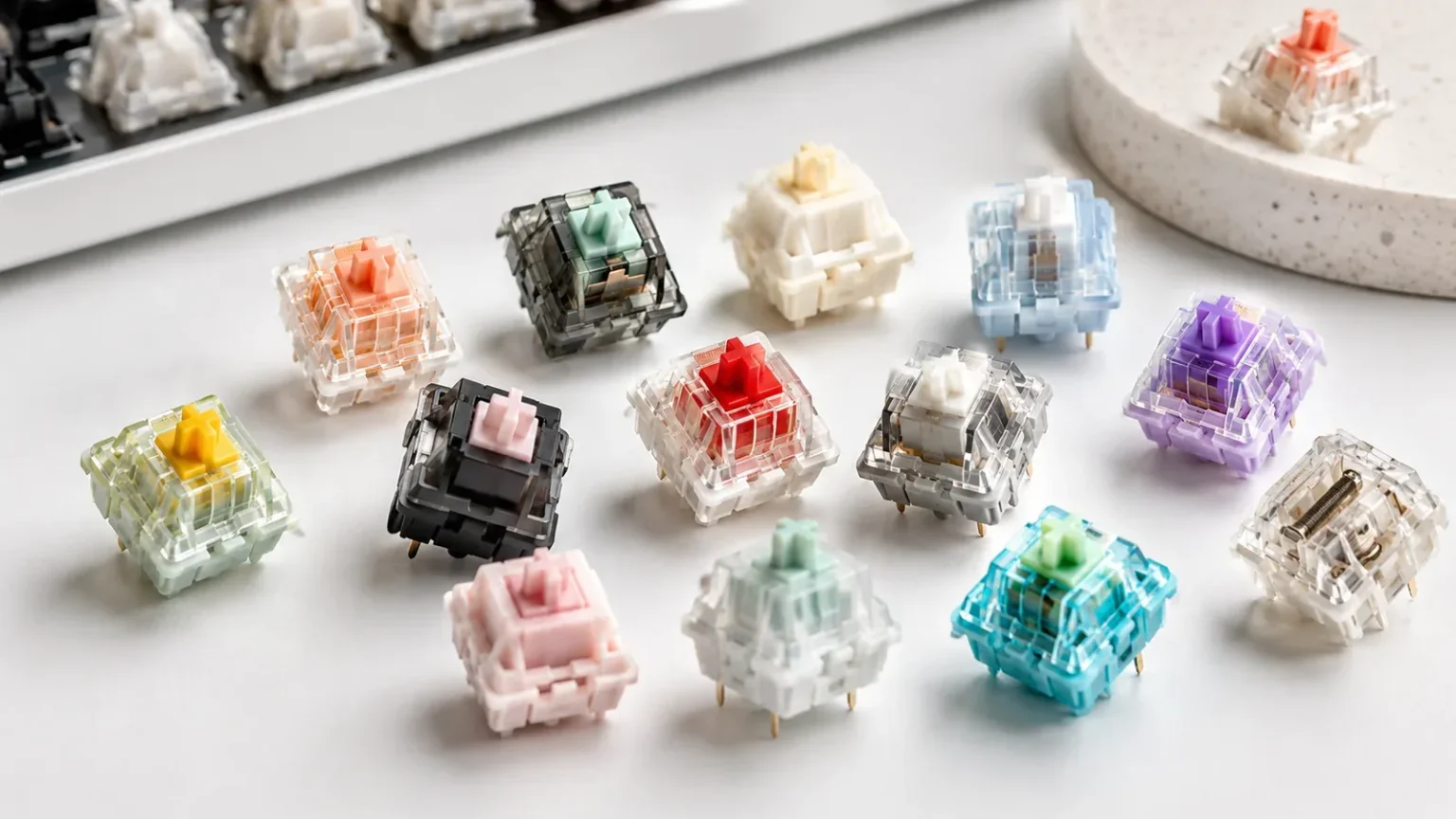
Mechanical keyboard switches in different colors and styles
3 switches
Clicky

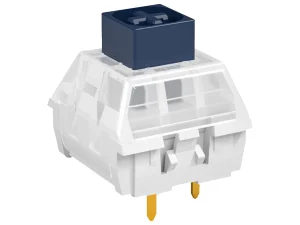
Kailh BOX Navy Switch

Kailh
  • Force60
  • SoundLoud, weighty thick-click
  • LubedNo
  • StatusIn stock
  • TypeClicky
  • Op. Force60
  • SoundLoud, weighty thick-click
  • LubedNo
  • AvailabilityIn stock
  • Bottom-outNot specified
  • Pre-travel1.8
  • Total Travel3.6
  • Mount3-pin
  • Best ForNot specified
Clicky

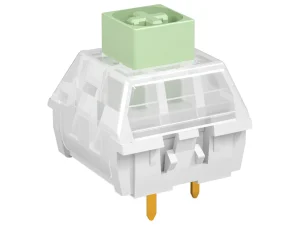
Kailh BOX Jade Switch

Kailh
  • Force50
  • SoundLoud, crisp thick-click
  • LubedNo
  • StatusIn stock
  • TypeClicky
  • Op. Force50
  • SoundLoud, crisp thick-click
  • LubedNo
  • AvailabilityIn stock
  • Bottom-outNot specified
  • Pre-travel1.8
  • Total Travel3.6
  • Mount3-pin
  • Best ForNot specified

Choose a Clicky Switch by Feel and Force

Choose a Clicky Switch by Feel and Force

Clicky switches all provide audible feedback, but they can differ significantly in force, tactility and sound. Start with the key weight you prefer, then compare the click character and travel of each model.

Check Sound, Mount and Compatibility Before You Buy

Sound descriptions such as quiet, deep, clacky or creamy can help narrow choices, but the finished keyboard matters as much as the switch. Housing and stem materials, lubrication, plate, keycaps, case construction and mounting style all influence the final sound. Treat sound profile as a comparison aid rather than a guaranteed result. Before ordering replacement or custom keyboard switches, confirm the switch technology, 3-pin or 5-pin mount, PCB and plate support, and whether the keyboard is hot-swappable. An MX-style keycap stem does not by itself guarantee PCB or socket compatibility. Factory lubrication can reduce preparation before installation, but lubrication quality varies by model. Finally, check the pack quantity against the exact keyboard layout and consider a few spare switches for testing or future replacement. These compatibility checks are more reliable than choosing a switch from its color, marketing name or sound description alone.

Frequently Asked Questions

What are clicky keyboard switches?
Clicky switches are mechanical keyboard switches that provide tactile feedback together with an audible click during the keypress. Different designs can produce different click sounds and levels of tactile feedback.
Are clicky switches louder than tactile or linear switches?
Generally, yes. Clicky switches include a mechanism specifically designed to create an audible click, so they are usually more noticeable than typical linear or tactile switches.
What is the difference between clicky and tactile switches?
Both provide tactile feedback, but clicky switches add a distinct audible click. Tactile switches provide physical feedback without intentionally producing the same pronounced click sound.
Are clicky switches good for typing?
They can be, especially if you enjoy clear tactile and audible feedback. However, preferred force and sound are subjective, and heavier clicky switches may feel tiring during long sessions for some users.
Are clicky switches good for gaming?
Clicky switches can be used for gaming, but switch type alone does not determine gaming performance. Choose based on the force, travel and feedback you prefer rather than assuming clicky, tactile or linear is automatically faster.
Are clicky switches suitable for offices?
It depends on the environment. Their audible click can be distracting in shared or quiet spaces, so consider nearby coworkers and the overall noise level before choosing them for office use.

Find the Clicky Switch for Your Build

Compare clicky switches by feel, force and sound, then choose the model that matches your preferred typing experience.