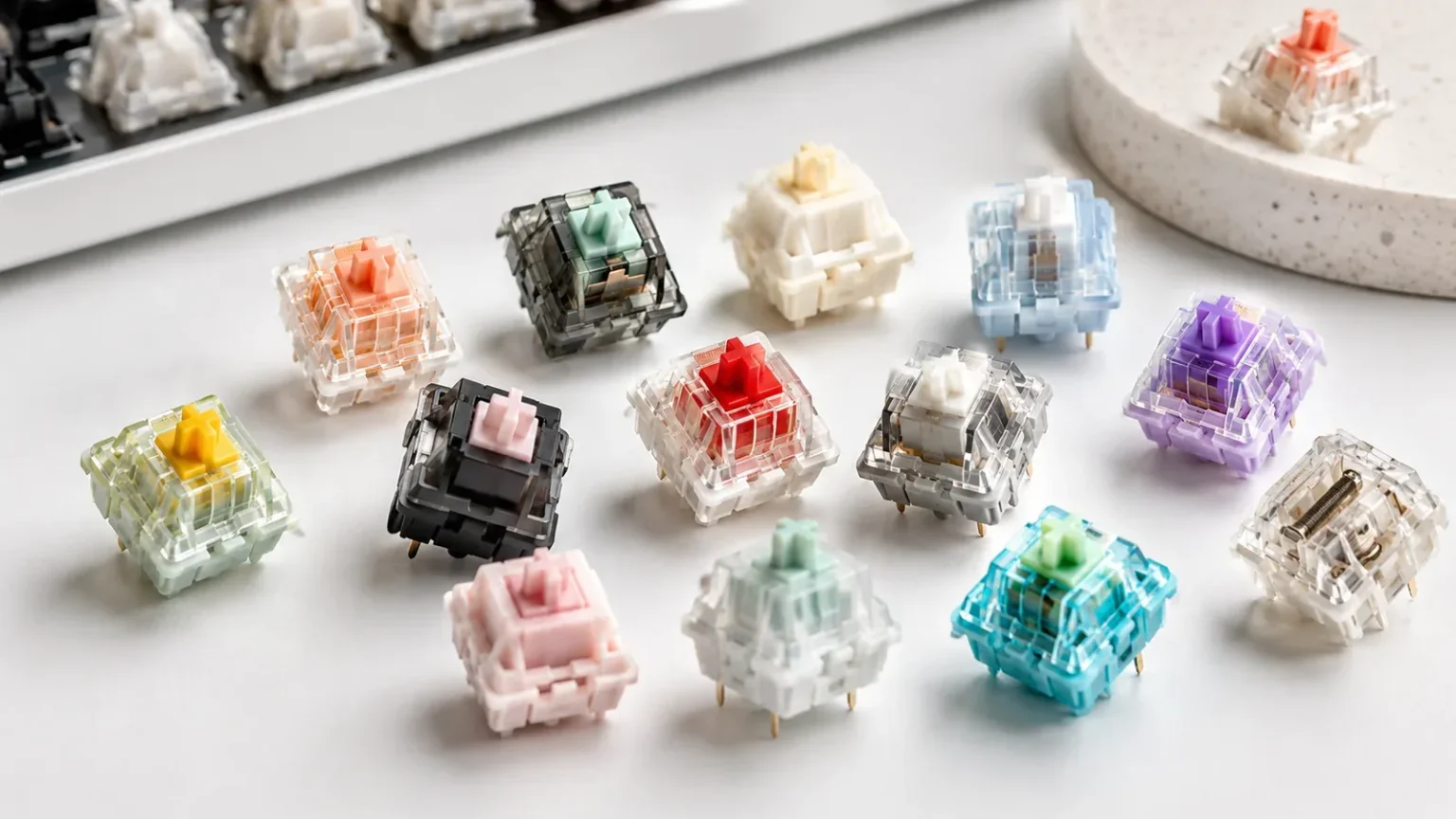
Tactile keyboard switches provide physical feedback during the keypress, but the strength, shape and position of that feedback can vary significantly between models. The right tactile switch depends on the bump you prefer, the force required, travel distance, sound and keyboard compatibility.
Understand the Tactile Bump
The tactile bump is the physical resistance change you feel during a press. Some switches produce a lighter, more subtle bump, while others feel sharper or more pronounced. The bump itself should not be treated as the electrical actuation point unless the product data specifically confirms that relationship.
Compare Force and Travel
Operating force, tactile or peak force, pre-travel and total travel all affect how a tactile switch feels. Two tactile switches can provide very different feedback even when their headline operating force looks similar, so compare the full specification rather than relying on one number.
Consider Sound and Lubrication
Tactile does not automatically mean clicky. Many tactile switches provide physical feedback without a dedicated click mechanism. Materials, housing design, stem design and factory lubrication can also change smoothness and sound.
Check Keyboard Compatibility
Before ordering, confirm switch technology, mounting configuration and pin count against your keyboard PCB and hot-swap socket. Use the filters above to compare current tactile switches by force, sound, travel, lubrication, mount and availability.
For current examples, compare Kailh BOX Brown V2 and HMX Waverider V2 alongside the filters above.