Replace matching switches
Repair a confirmed KS-15 optical keyboard.
Choose a single-color pack for replacements. Check the installed switch and board revision before ordering; a family name such as K8 or GK61 is insufficient.

No products in the cart.
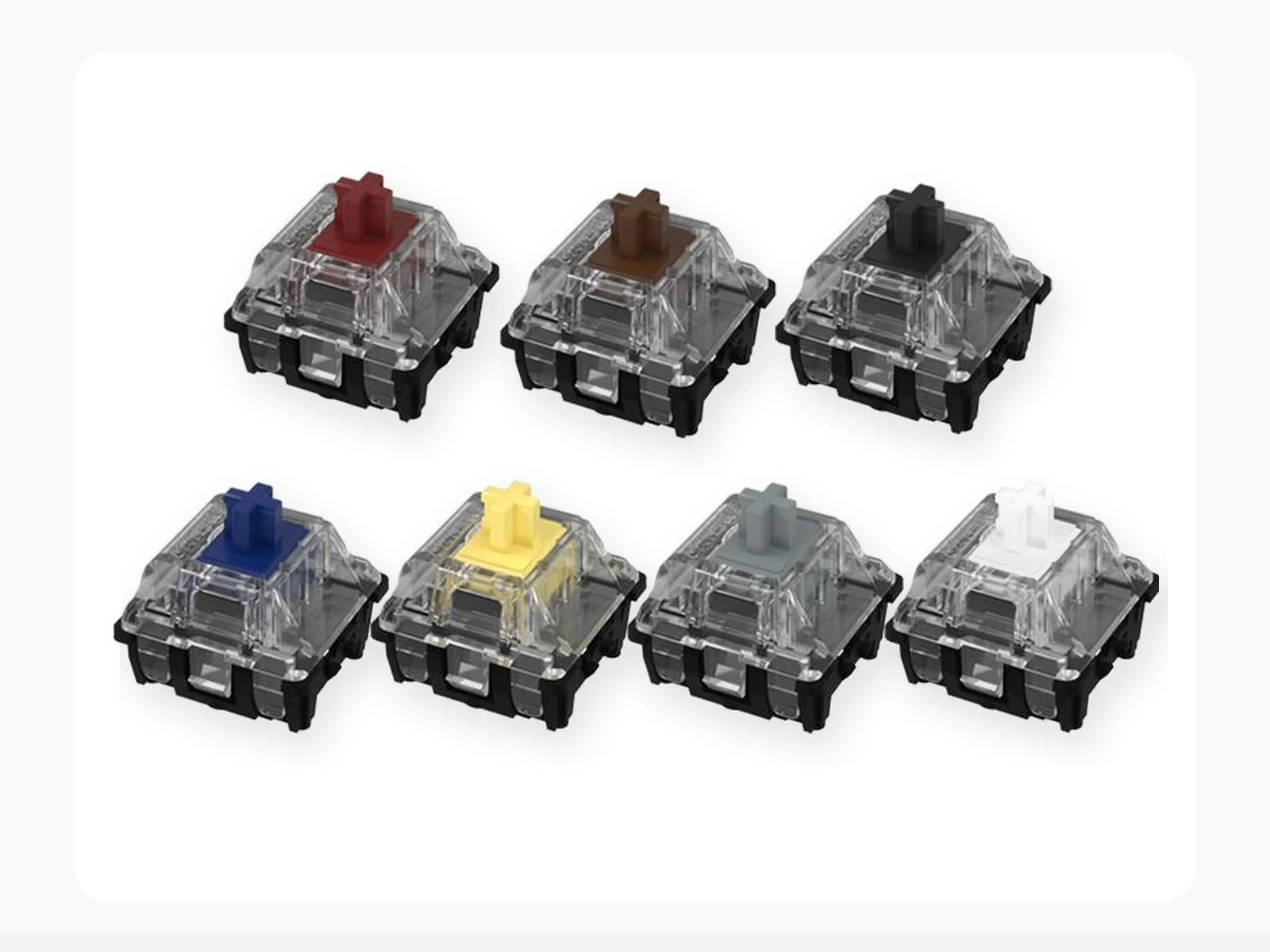
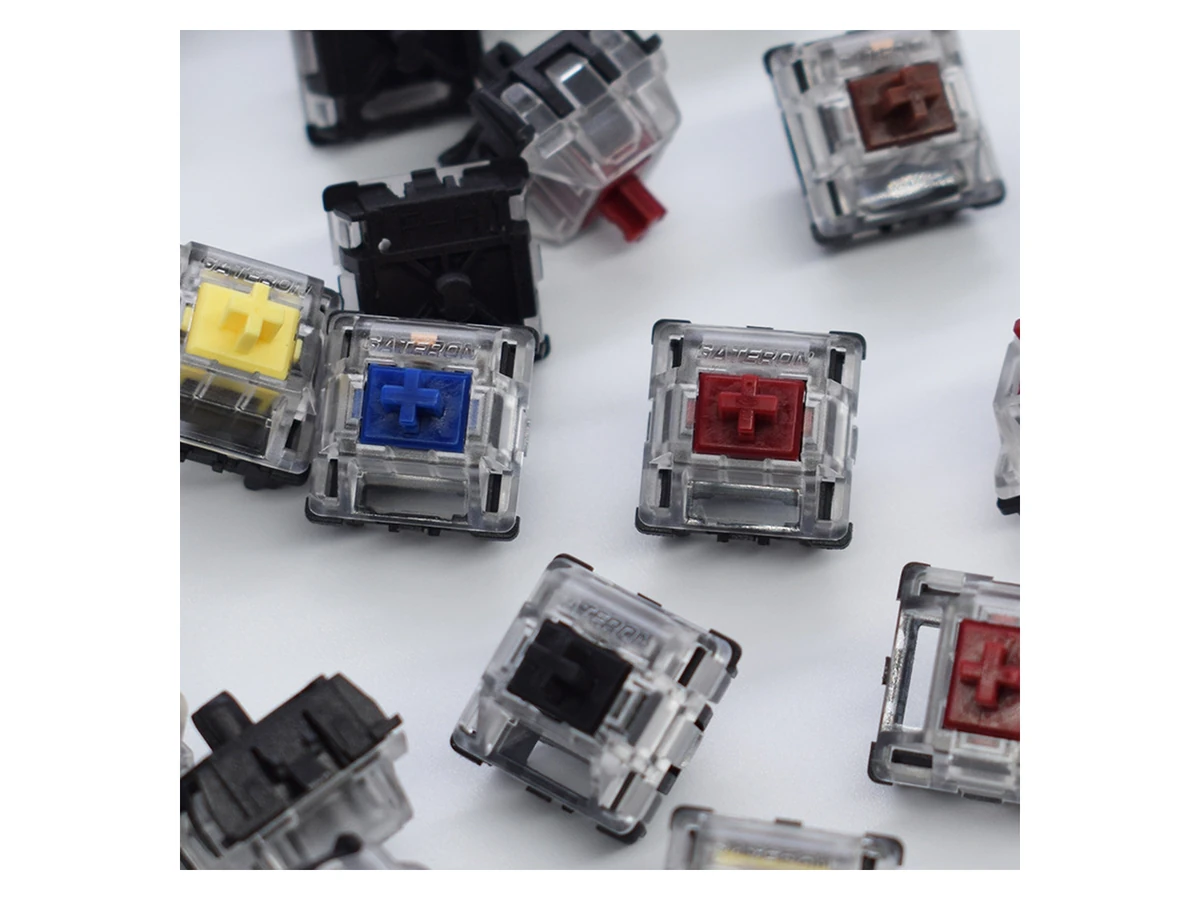
KS-15 offers five linear colors, tactile Brown and clicky Blue. Rated operating force ranges from 35 to 60 gf. Force describes resistance at actuation, not bottom-out resistance. Choose the feedback and force that suit you after confirming your keyboard uses the KS-15 optical system.
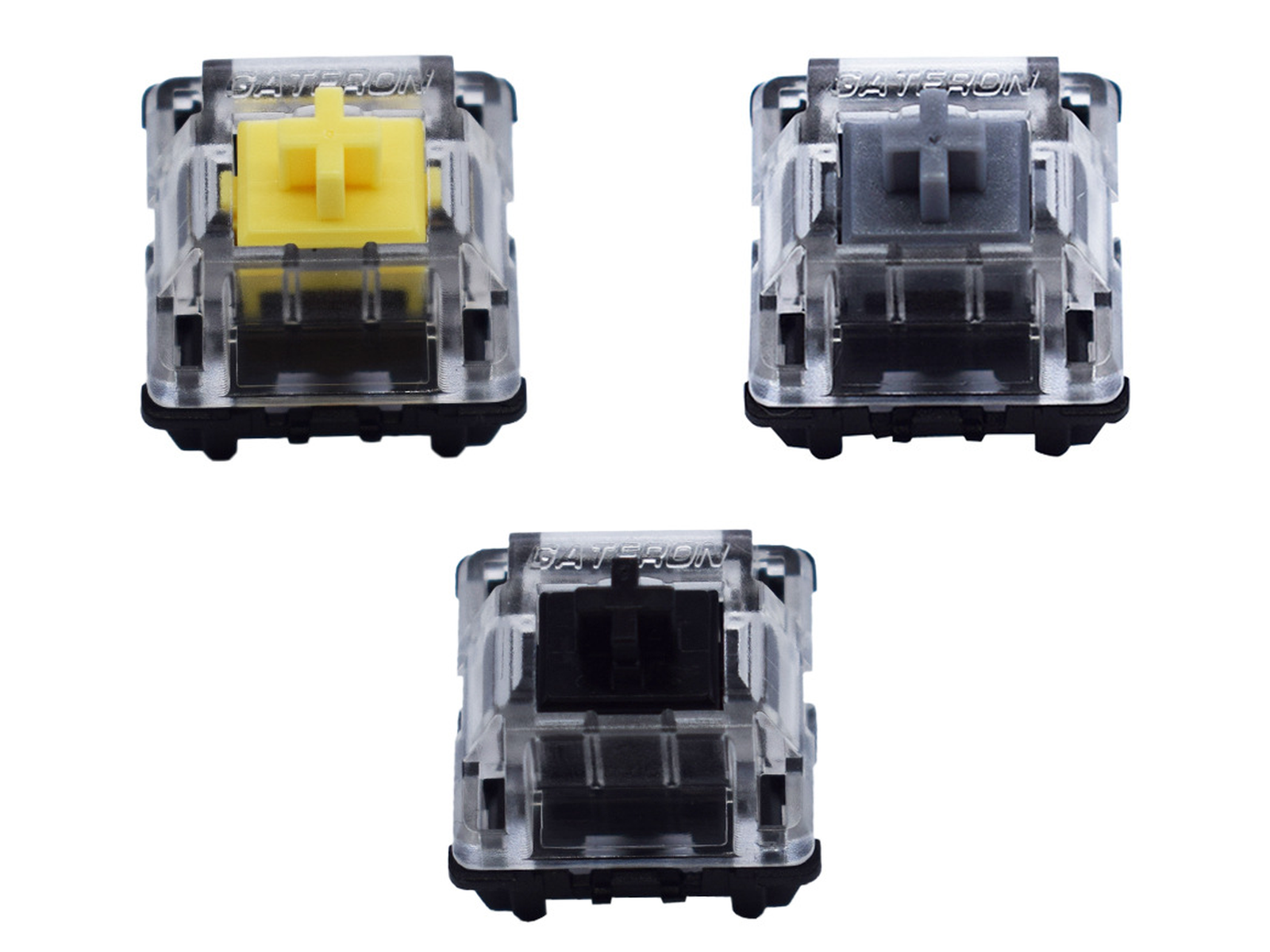
Blue deliberately clicks; Brown is tactile without a dedicated click mechanism. The linear options have no designed tactile bump or click. None is guaranteed silent. Case, plate, keycaps, mounting and technique affect the result; no measured loudness, latency or invented sound ratings are claimed.
The matching PCB detects actuation through an infrared light path rather than mechanical electrical contacts. Shorter pre-travel means earlier actuation within the stroke, not a proven millisecond advantage. Firmware, scanning and user behavior also matter.
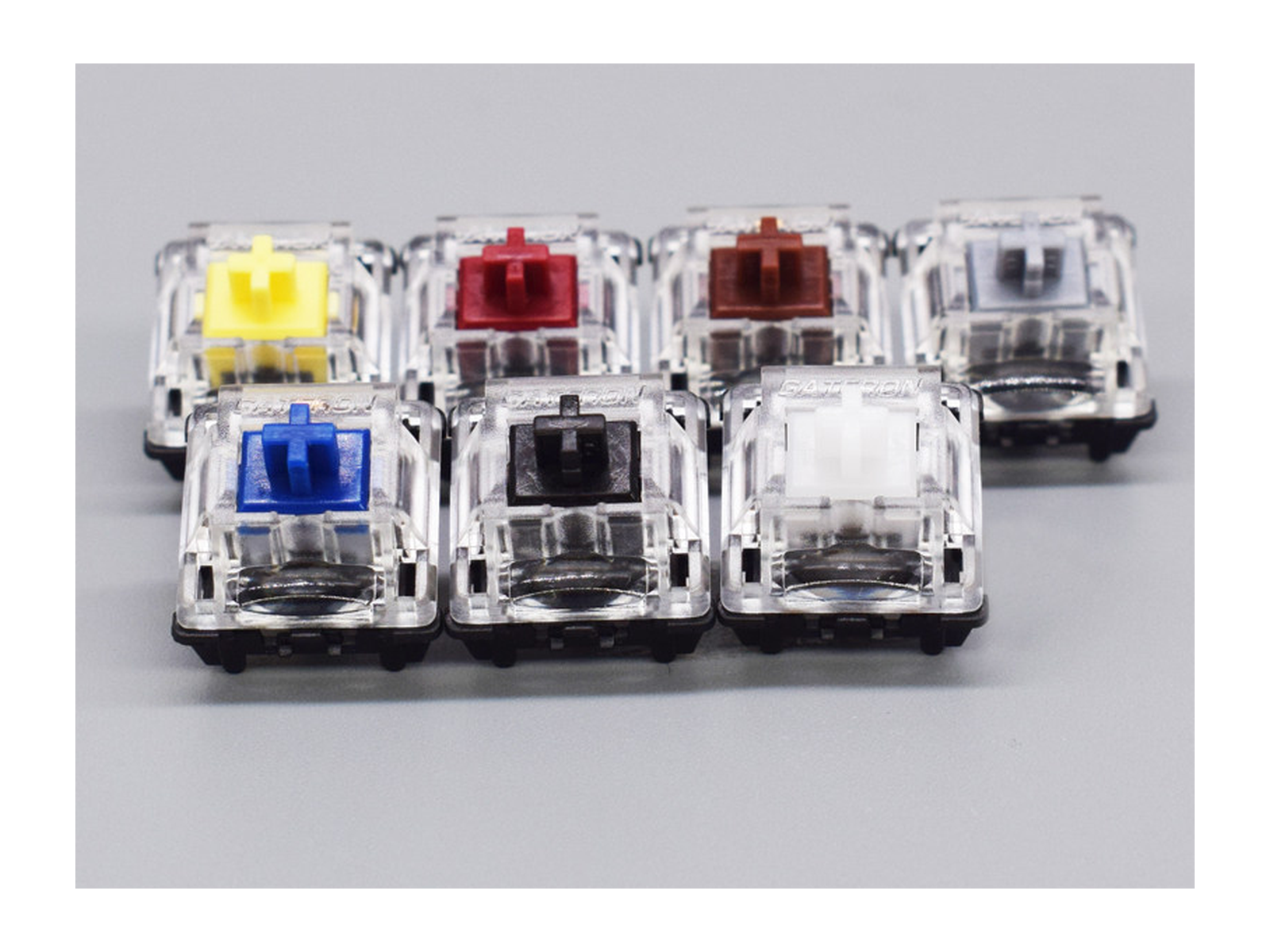
Color: White / Yellow / Silver / Red / Black / Brown / Blue · Pack Size: 10 switches / 20 switches / 70 switches / 110 switches
Start with the exact PCB and switch generation. A color name, keyboard brand or “hot-swappable” label cannot establish compatibility. These switches are replacements for a matching optical platform, not a universal keyboard upgrade.
Choose a single-color pack for replacements. Check the installed switch and board revision before ordering; a family name such as K8 or GK61 is insufficient.
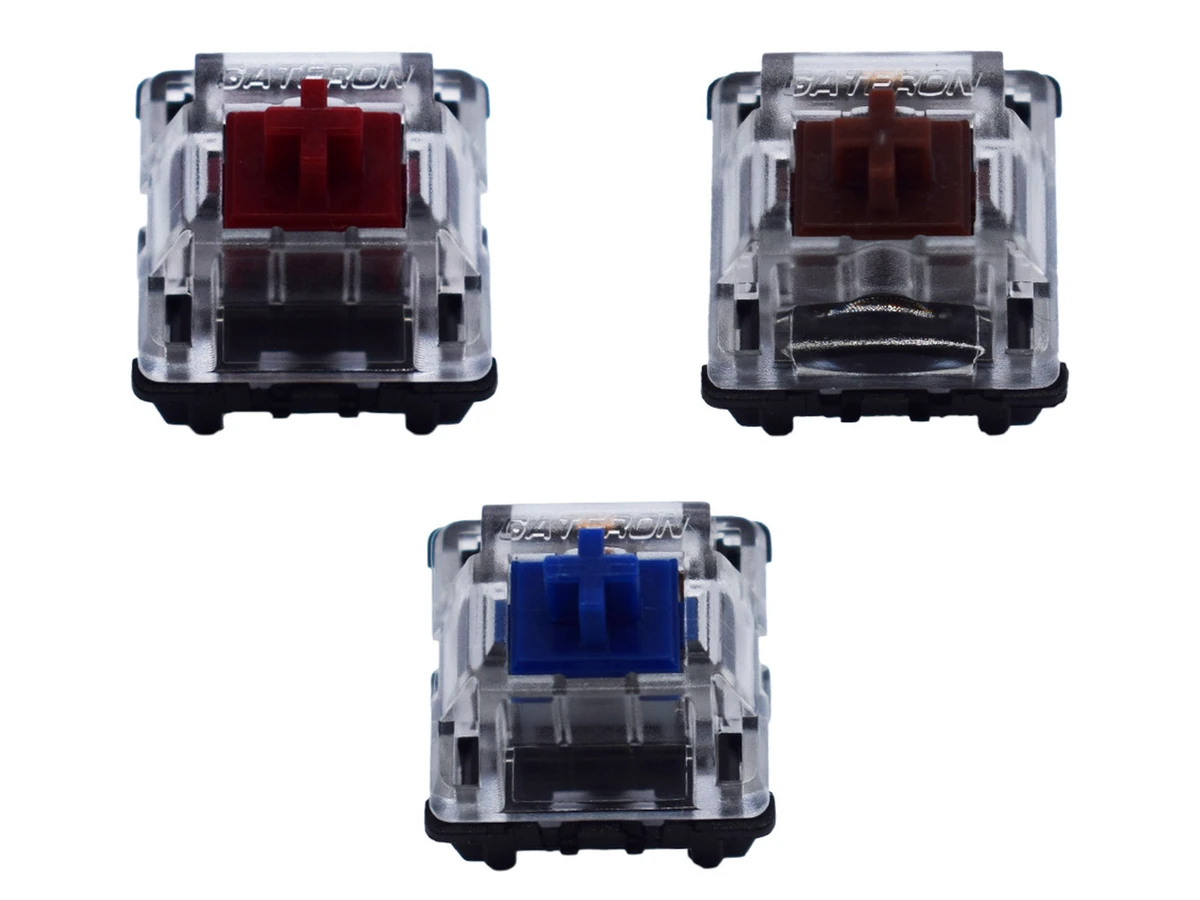
White and Yellow are rated 35 gf, Red and Silver 45 gf, and Black 60 gf. Shorter Yellow/Silver pre-travel may take adjustment if you rest fingers heavily on keys.
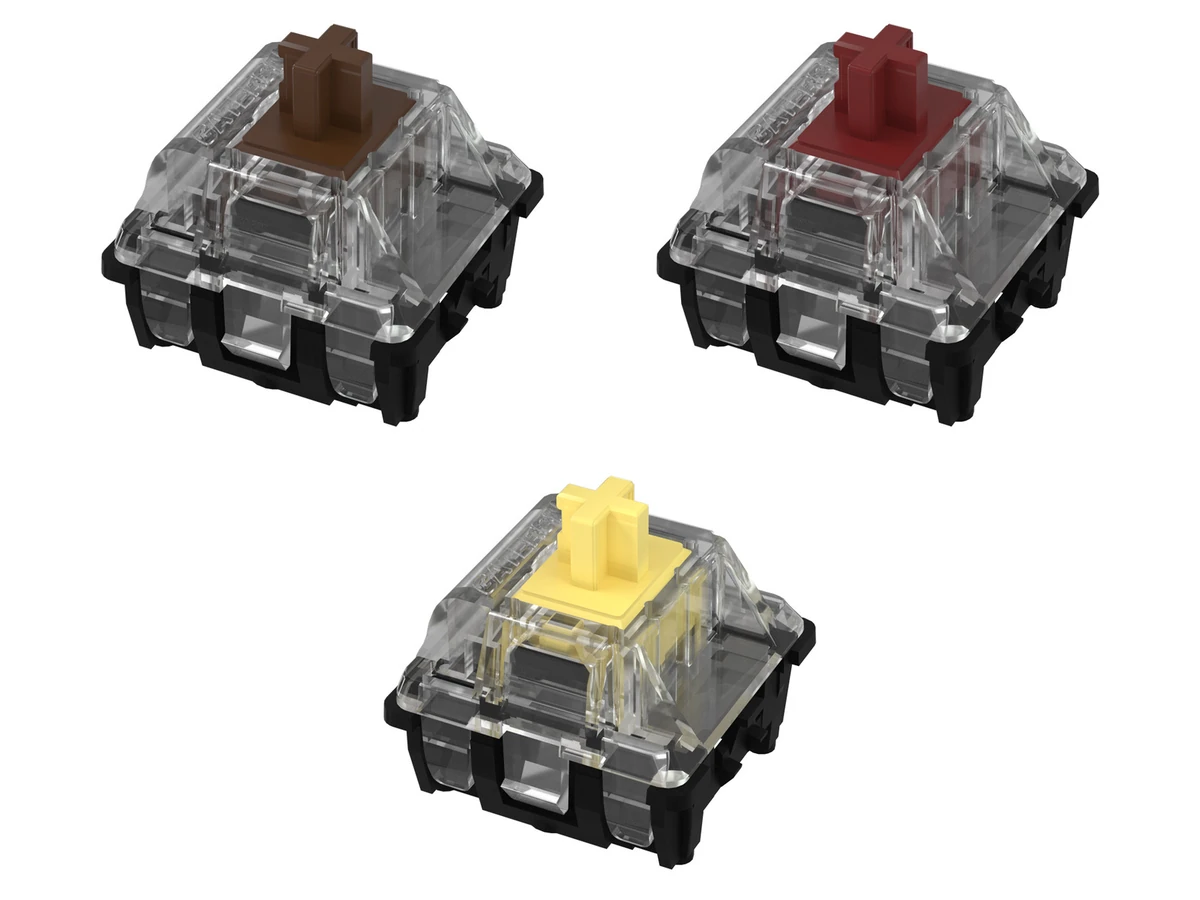
Brown provides tactile feedback; Blue provides a deliberate click. Both are rated 55 gf. Consider your noise tolerance and typing preference, not unverified gaming or latency claims.
Confirm the keyboard model, revision and installed switch part number with its manufacturer. Compare the bottom housing and optical opening. A cross-shaped stem may fit many MX-style keycaps, but it does not establish electrical or PCB compatibility.
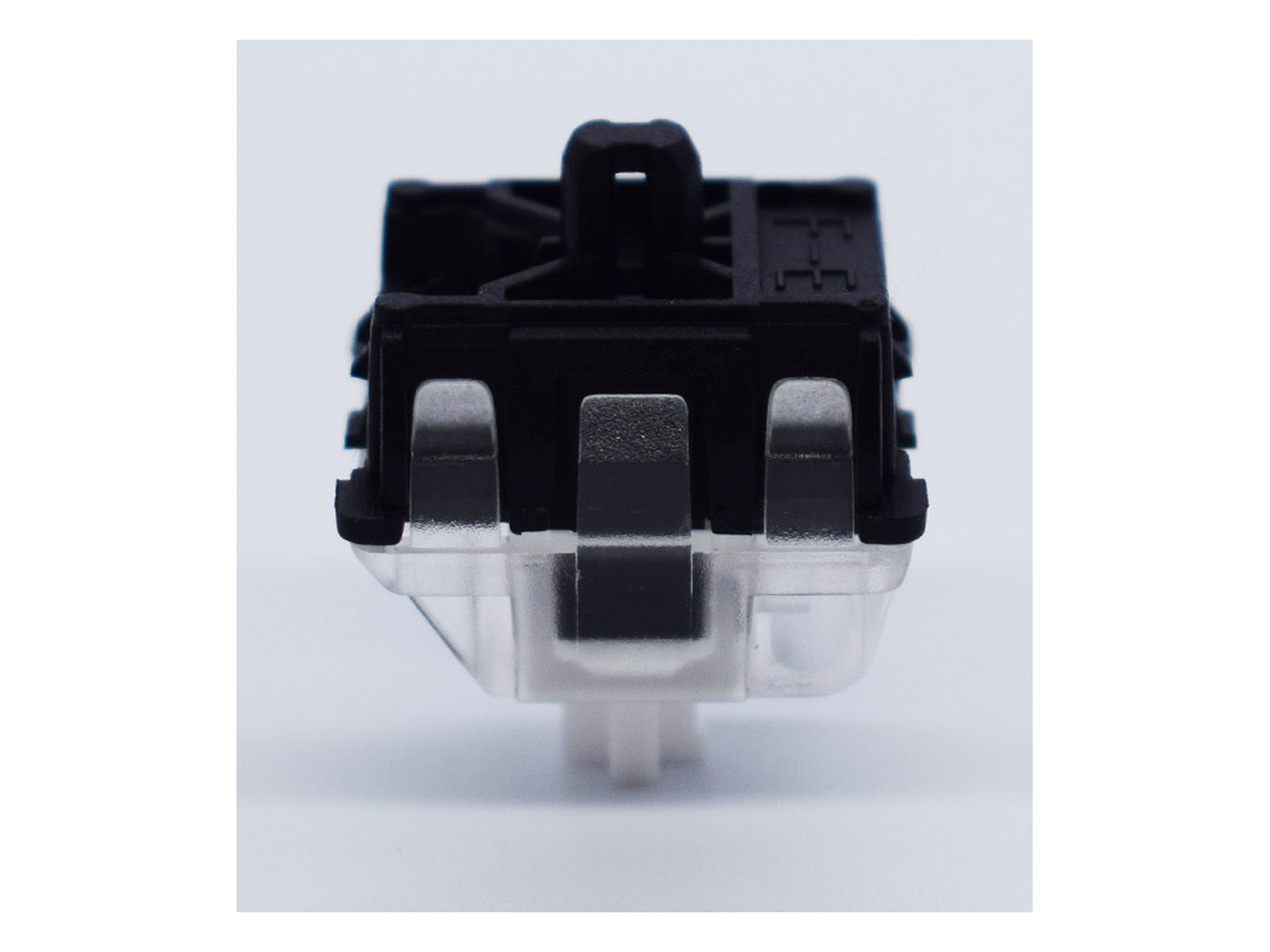
Match the actual sensing system and mounting geometry. Do not assume proprietary, low-profile optical or magnetic sockets accept KS-15.
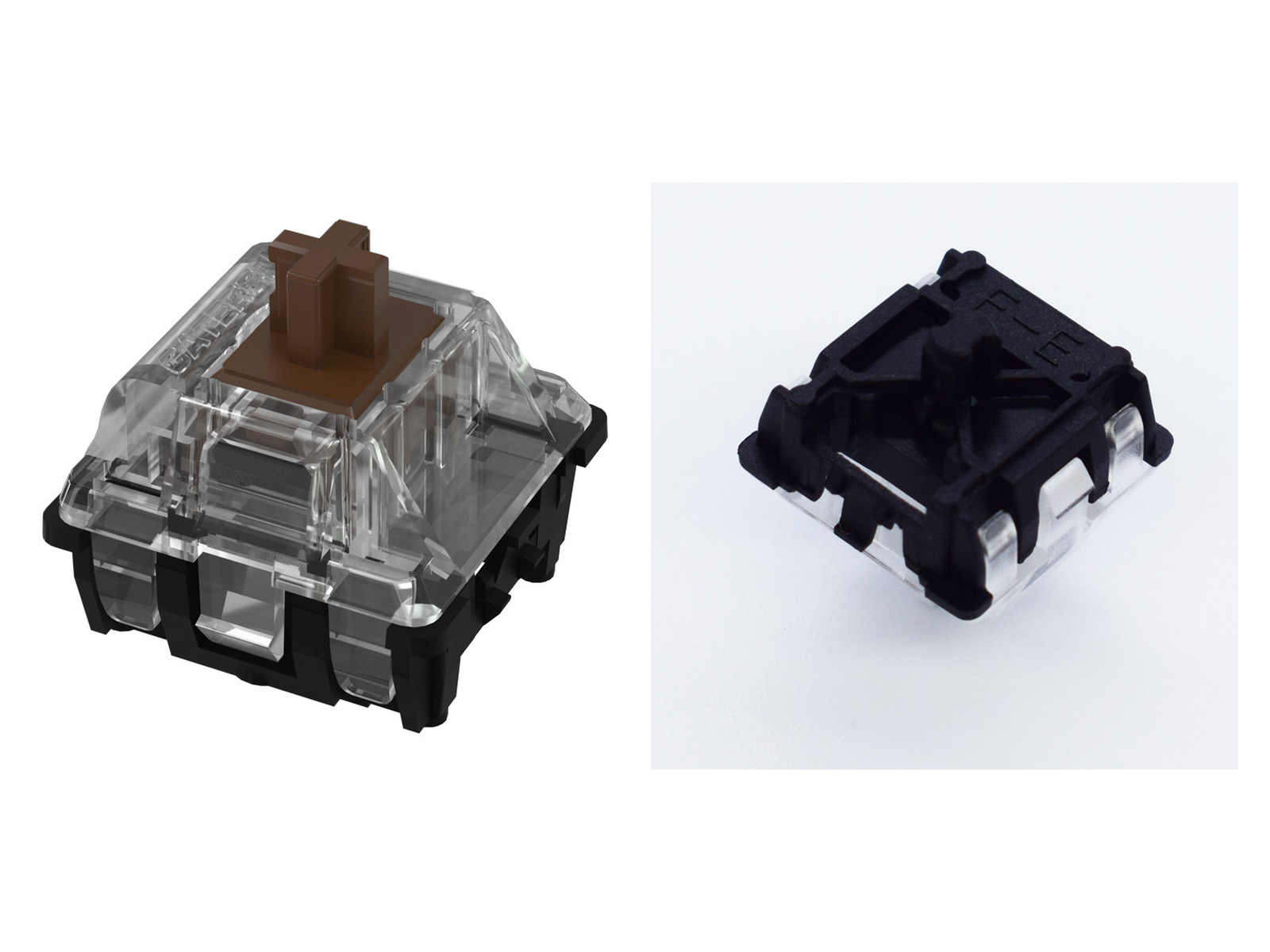
Gateron says KS-22 cannot fit KS-15 keyboards because its light-path structure changed. That statement does not verify the reverse swap; confirm the exact board before substituting KS-15.
Choose your keyboard layout to get a practical starting quantity. Then confirm the exact key count for your board and decide how many spare switches you want for testing or replacement.
Manufacturer ratings vary by color. The buying notes below show each option’s force, pre-travel and maximum travel.
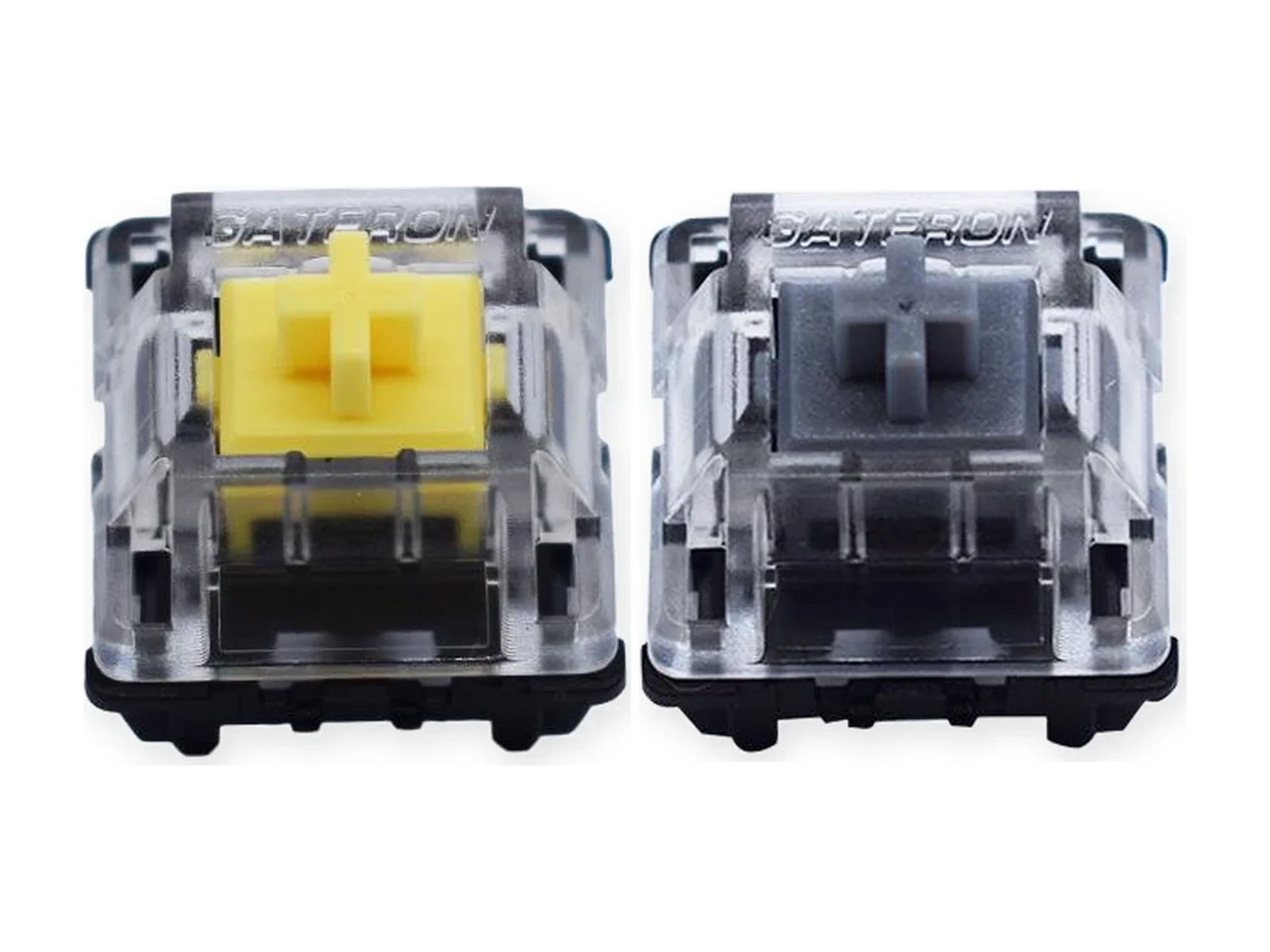
Yellow and Silver are linear, with 1.0 ±0.4 mm pre-travel and 3.2 mm maximum travel. Yellow is 35 ±15 gf; Silver is 45 ±15 gf. Choose Yellow for lighter resistance or Silver for more resistance at the same rated actuation distance. Short travel does not establish faster gaming results or a measured latency advantage. Very light, short-actuation switches can take personal adjustment; no mistype rate is claimed.
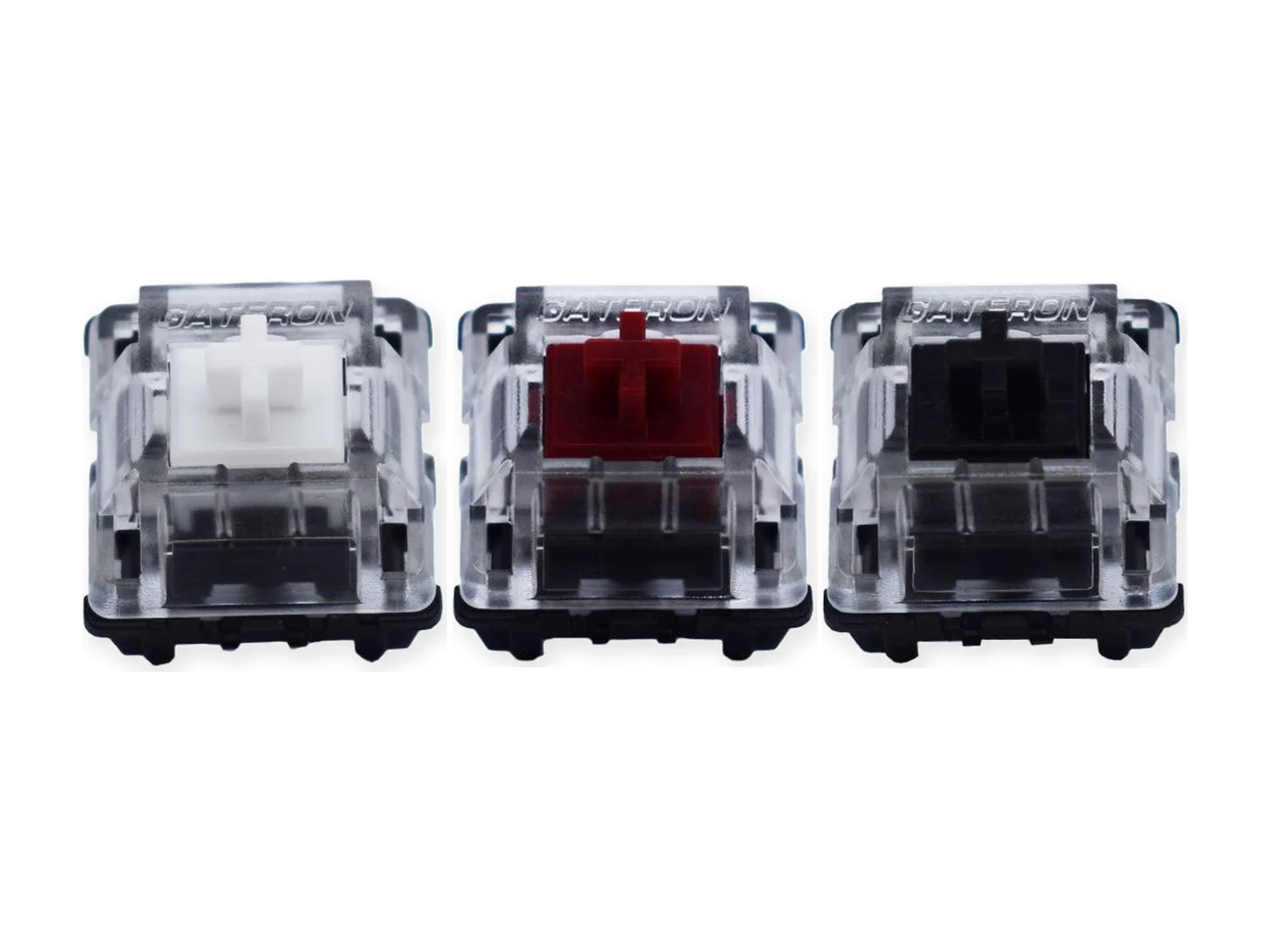
White, Red and Black are linear, each with 2.0 ±0.6 mm pre-travel and 4.0 mm maximum travel. White is 35 ±15 gf, Red 45 ±15 gf and Black 60 ±15 gf. White offers light resistance without Yellow’s 1.0 mm trigger point; Red sits between White and Black by rated operating force. These are separate single-color packs, not mixed colors in one pack.
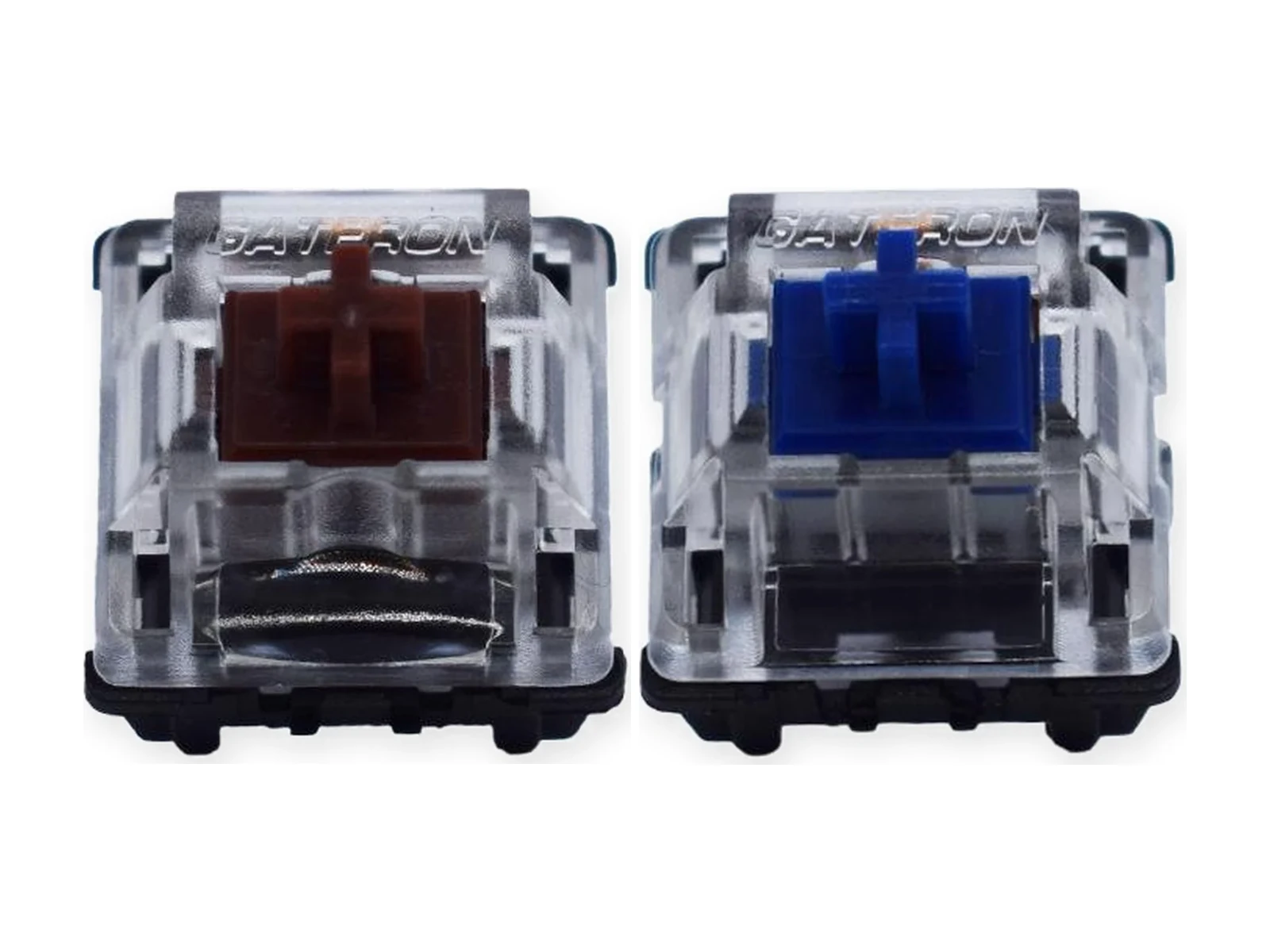
Brown is tactile and Blue is clicky; both are rated 55 ±15 gf with 4.0 mm maximum travel. Brown has 2.0 ±0.6 mm pre-travel; Blue has 2.3 ±0.6 mm. Choose Brown for a tactile cue without Blue’s dedicated click, or Blue when an audible click is welcome. Neither has a controlled loudness rating. Final sound depends on the complete keyboard build.
No. KS-15 switches use infrared optical sensing and need a compatible KS-15-type optical keyboard PCB. Ordinary mechanical MX 3-pin or 5-pin hot-swap sockets are not compatible.
Do not assume interchangeability. Gateron says KS-22 cannot fit KS-15 keyboards because their light-path structures differ. This does not confirm the reverse swap: before fitting KS-15 to a KS-22 board, verify the exact model and revision with its manufacturer.
Yellow and Silver both have 1.0 ±0.4 mm pre-travel and 3.2 mm maximum travel. Yellow is 35 ±15 gf; Silver is 45 ±15 gf. Neither has a proven millisecond advantage. The lighter Yellow may not suit users who rest fingers heavily on keys.
Both are linear: 1.0 ±0.4 mm pre-travel and 3.2 mm maximum travel. Yellow is lighter at 35 ±15 gf; Silver is 45 ±15 gf. Consider Silver if very light switches feel too sensitive. Neither has a verified mistype-rate or gaming-performance advantage.
A 1.0 mm pre-travel means actuation occurs earlier within the physical stroke than a 2.0 mm option. It does not prove reduced latency, faster reactions or better game results. Choose for control, comfort and your keyboard setup as well as the published distance.
Both are rated 35 ± 15 gf linear switches. Yellow has a shorter 1.0 ± 0.4 mm pre-travel and 3.2 mm maximum total travel, while White has 2.0 ± 0.6 mm pre-travel and 4.0 mm maximum total travel.
White, Yellow, Silver, Red and Black are linear; Brown is tactile; Blue is clicky. Choose by desired keypress feedback and the listed actuation force, not by color alone.
No. Gateron lists the KS-15 range as not pre-lubed. This listing does not include a hand-lubing service.
A keyboard brand name alone is not enough to confirm compatibility. Optical switch systems and generations vary even within brands. Check your exact model, PCB revision and current switch standard with the keyboard manufacturer before ordering.
Gateron lists SMD LED support. Actual illumination and clearance depend on the compatible optical keyboard PCB and lighting layout; the switches do not provide lighting on their own.
Choose 10, 20, 70 or 110 switches of one selected color. This is not a seven-color sampler. No switch puller or other unconfirmed accessory is included.
Count your board’s switches first. For 61 keys, a 70-pack provides nine spares; 87 keys need 70 + 20, or 110 with more spares; 104 keys need 110. With 10-packs alone, those boards need 7, 9 or 11 packs. Select the same color throughout.
No. KS-15 is an infrared optical switch family. It is not a Hall Effect magnetic switch and should not be purchased for a magnetic-switch PCB.
The KS-15 stem is cross-shaped and can accommodate many MX-style keycaps, subject to keycap and keyboard geometry. Keycap-stem fit does not mean the switch will work in a standard MX mechanical PCB.