Typing feedback
Reintroduce tactility
For HE users who miss a tactile cue after moving from a conventional tactile keyboard.

No products in the cart.
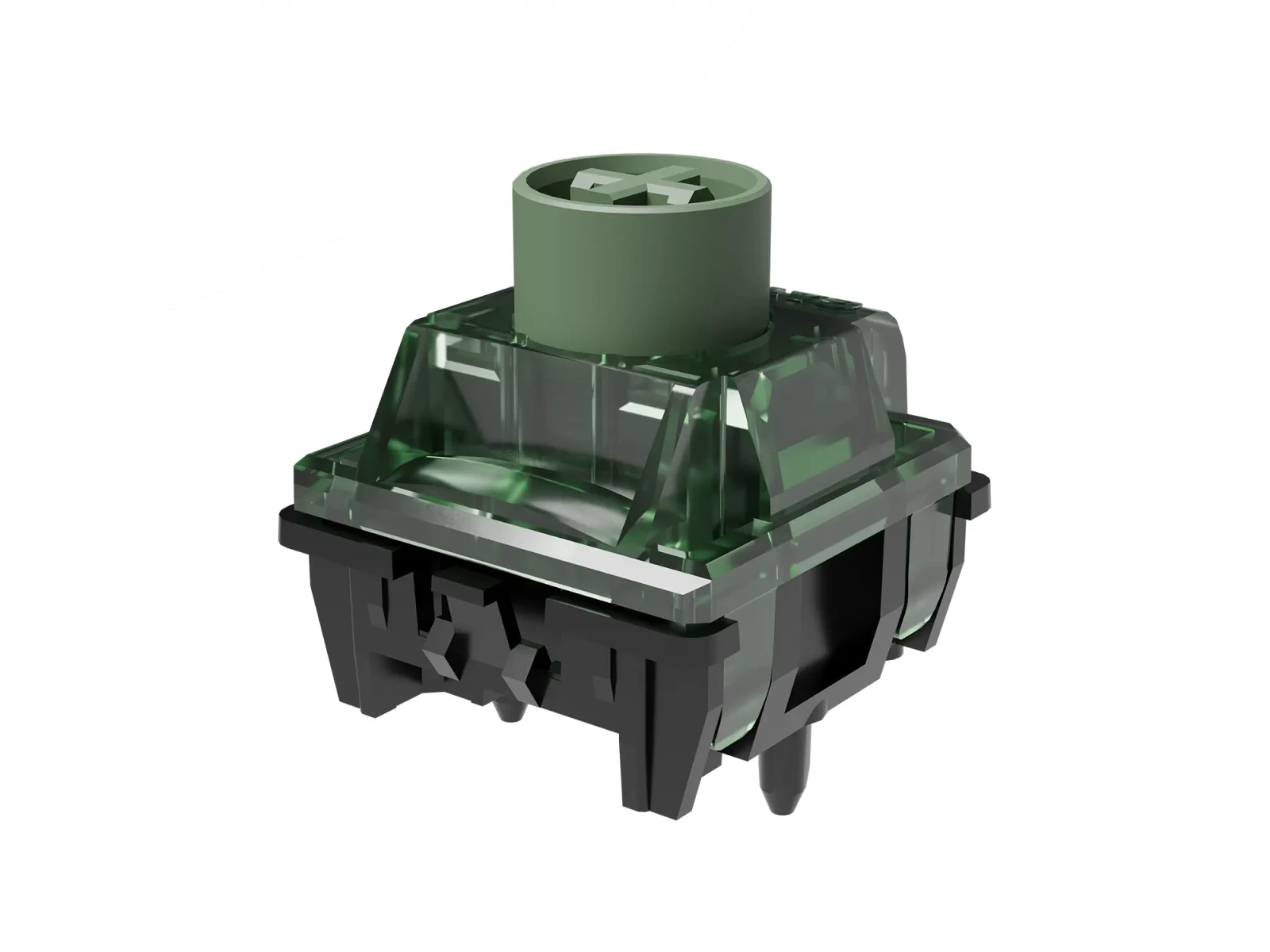
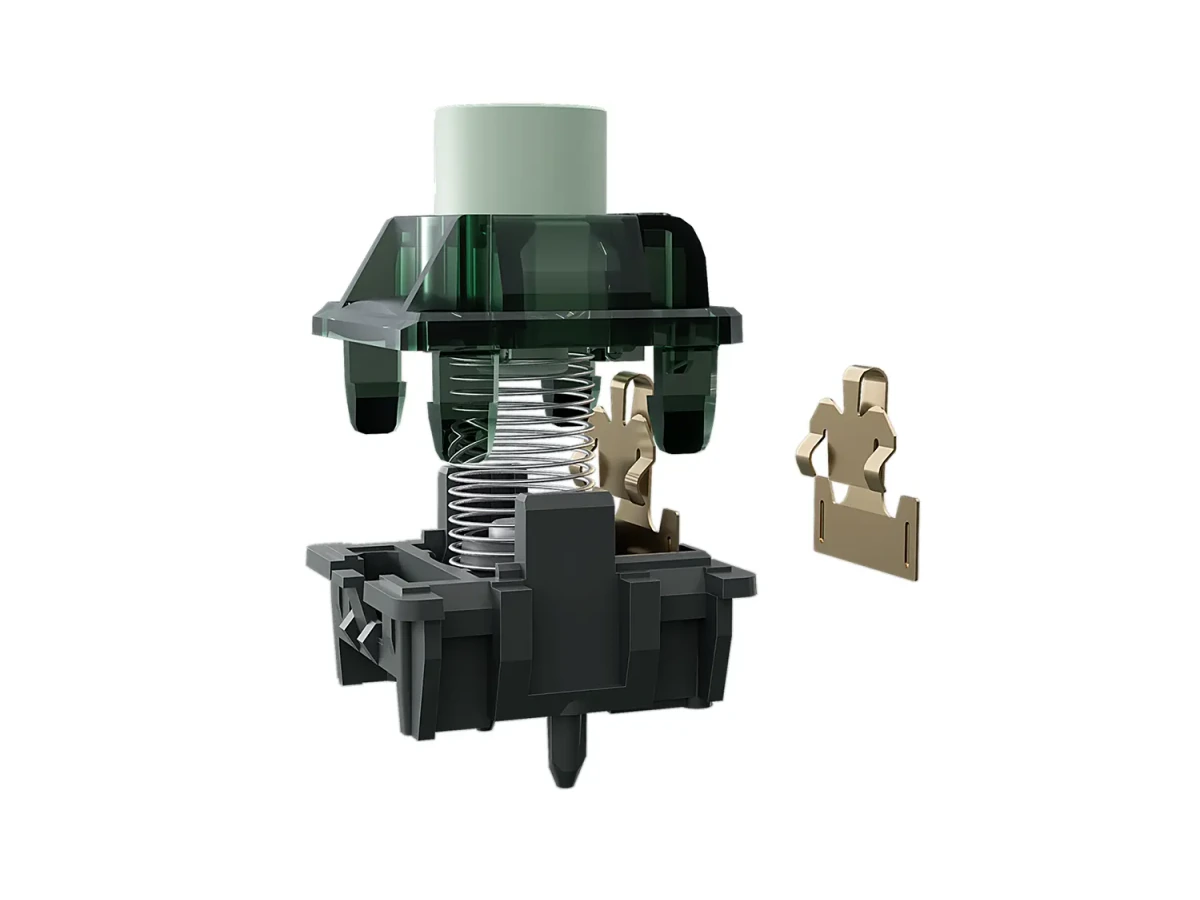
The physical tactile event is produced by a metal-leaf mechanism while the keypress is detected by the HE sensor. Gateron classifies this as heavy tactile, although perceived bump strength varies with your typing style and force preferences. The 55±10gf operating-force rating and 3.5±0.1mm travel describe the physical switch; the actuation point is chosen through compatible keyboard software. A tactile option for HE keyboards. A dedicated alloy leaf creates a physical bump, rather than the uninterrupted stroke typical of linear magnetic switches.
Gateron markets Dragon Roar with a Hi-Fi, mahjong-like acoustic character, but independent reviews disagree on how loud the bottom-out sounds. The switch is not a dedicated silent design. Plate, case, keycaps and typing technique change the result, and KeebPilot has not performed a controlled sound test. If you rely on extremely shallow actuation or rapid trigger, allow time to tune around the early tactile bump. Some users prefer the extra feedback; others find the movement harder to control than a linear HE switch.
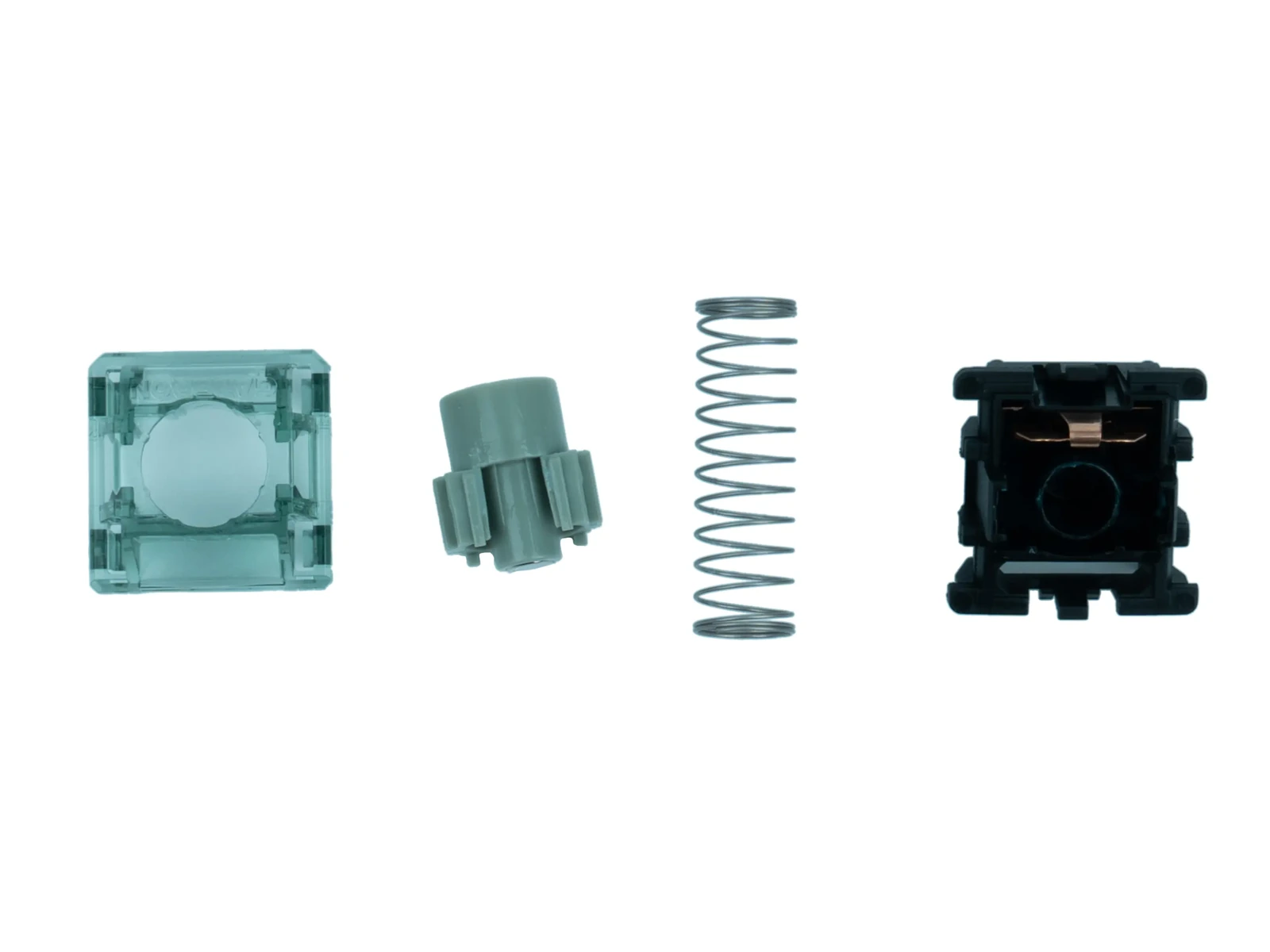
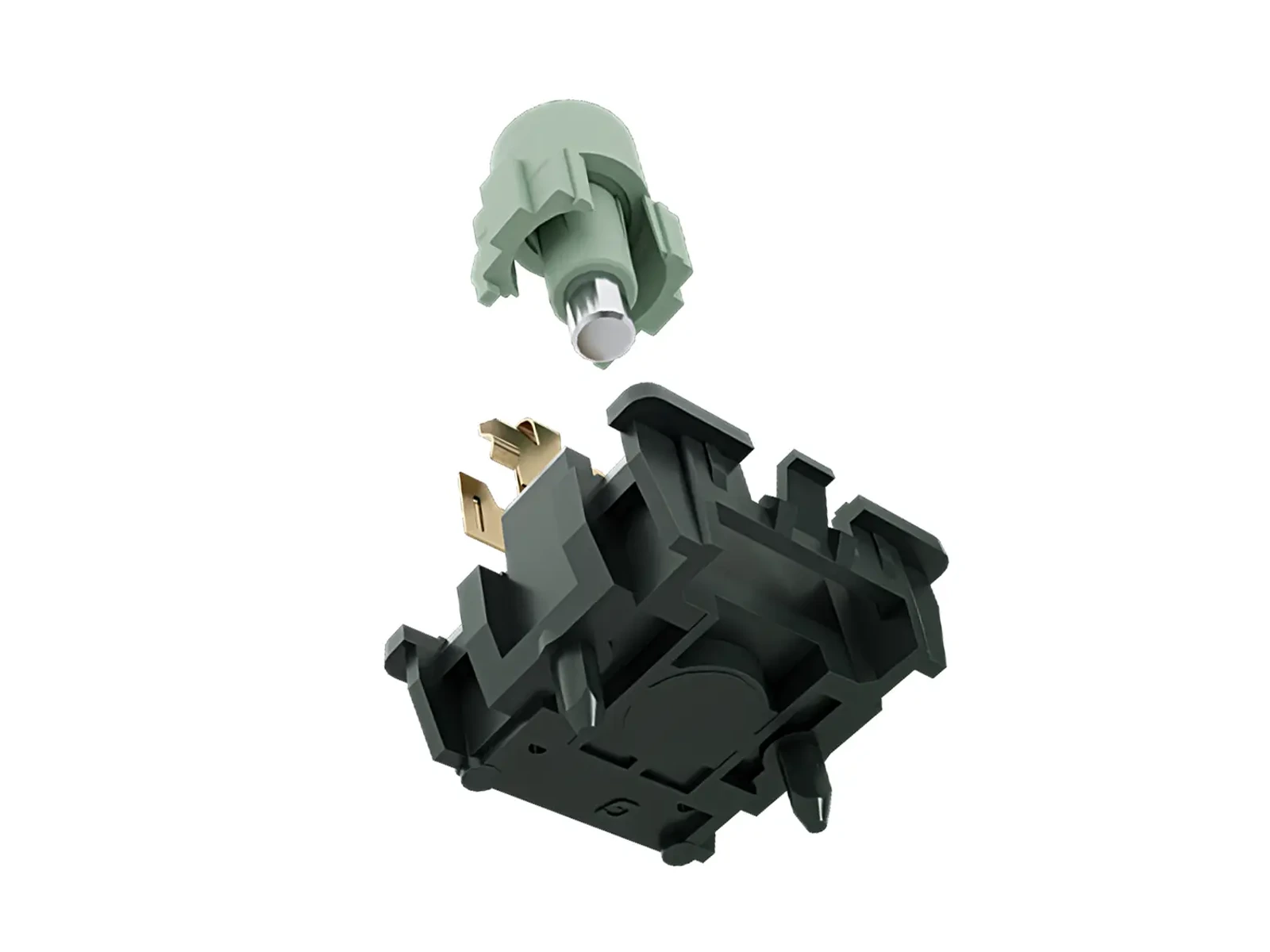
A POM stem moves inside a PC top and PA66 base, with a factory-lubed mechanism and a customized spring. Gateron rates the switch for more than 150 million keystrokes. The guide-wall structure is designed to manage off-center movement, but final wobble and acoustic character depend on the complete build. The lifespan rating is a manufacturer specification, not a KeebPilot endurance test. Built with familiar switch materials. A POM stem, PC top, PA66 base and factory lubrication complement the tactile mechanism.
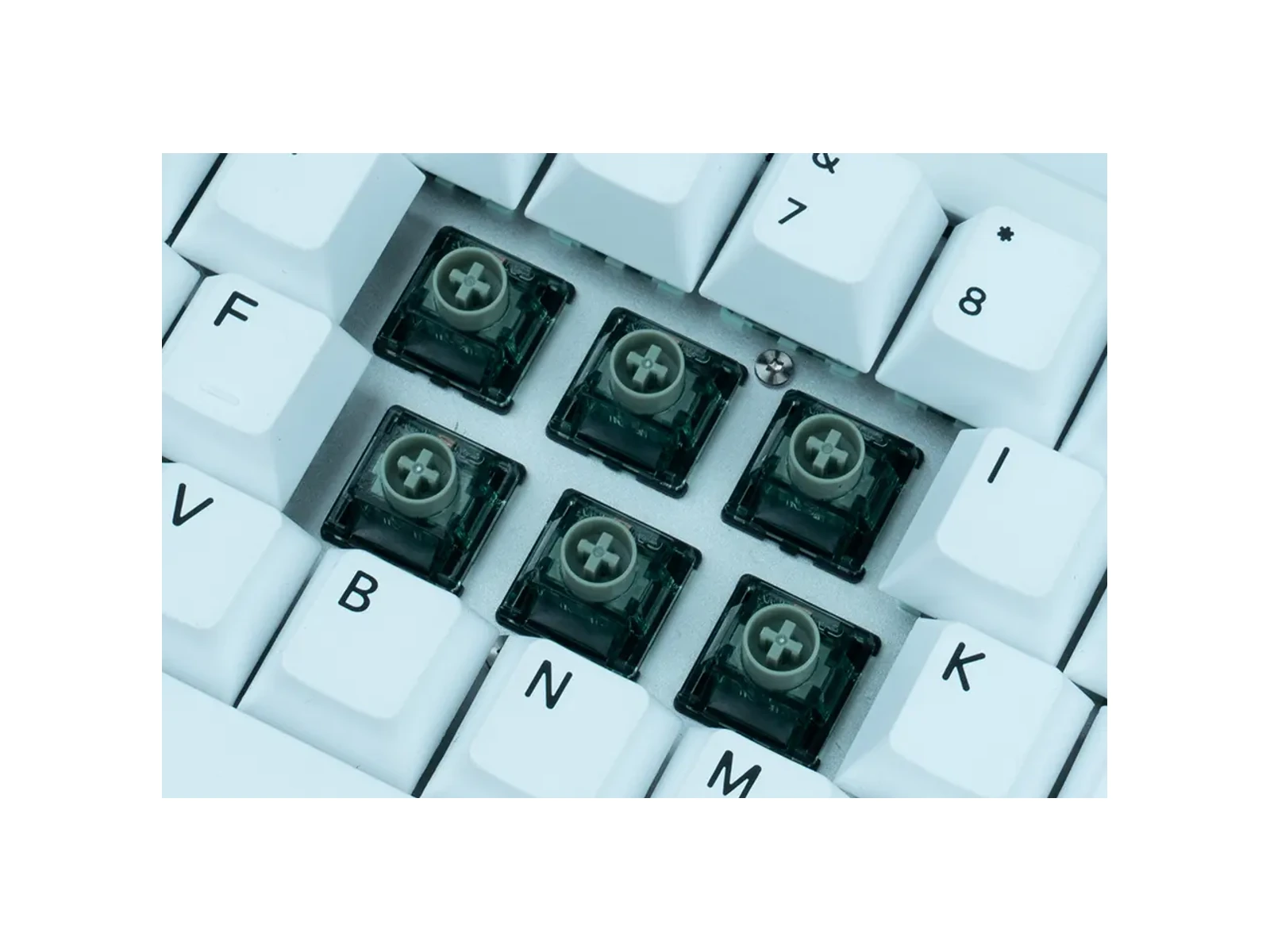
Best for compatible HE boards when you want more finger feedback while typing or gaming. Tunable trigger, fixed physical bump. With compatible firmware, you can adjust the sensing point without changing where your finger feels the tactile event.
For HE users who miss a tactile cue after moving from a conventional tactile keyboard.
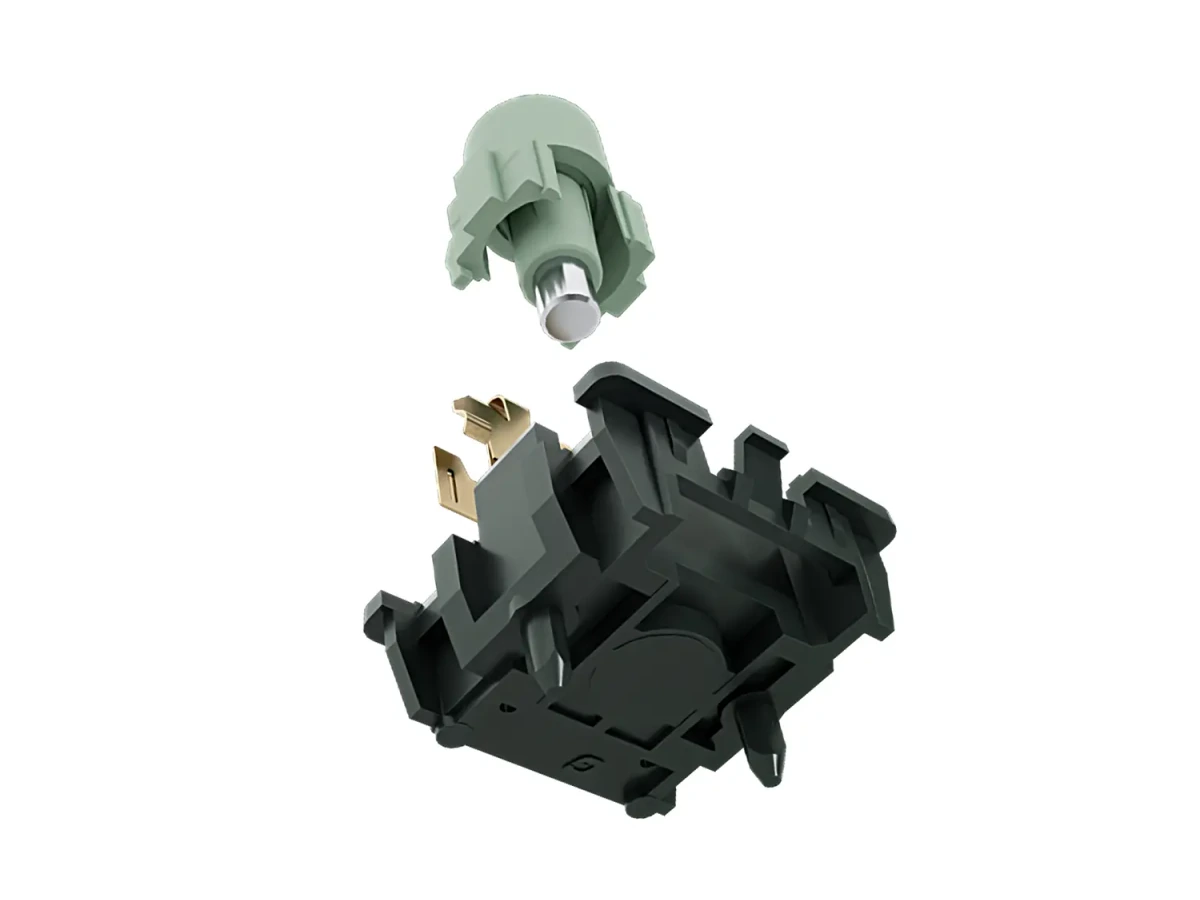
For players willing to test actuation settings around the bump instead of chasing the shallowest possible trigger.
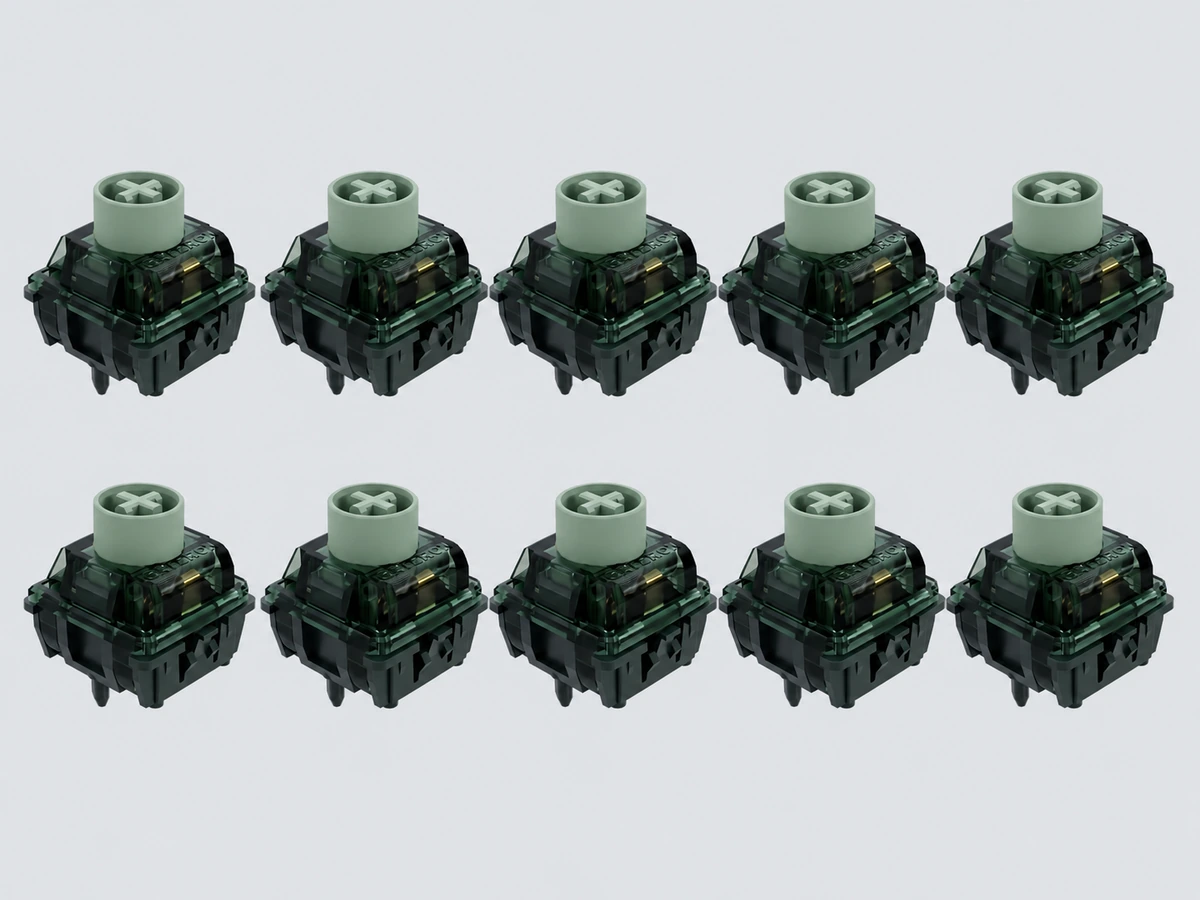
A 10-switch count is practical for a small fit-and-feel trial if a compatible model becomes available; this listing is currently not purchasable.
Dragon Roar is a Hall Effect switch, not a drop-in replacement for a conventional mechanical switch. Gateron describes an N-pole-down magnetic orientation. Even if the switch physically fits, the keyboard must use a suitable Hall sensor and firmware calibration. Check the keyboard maker’s supported-switch list and polarity before considering a compatible replacement.
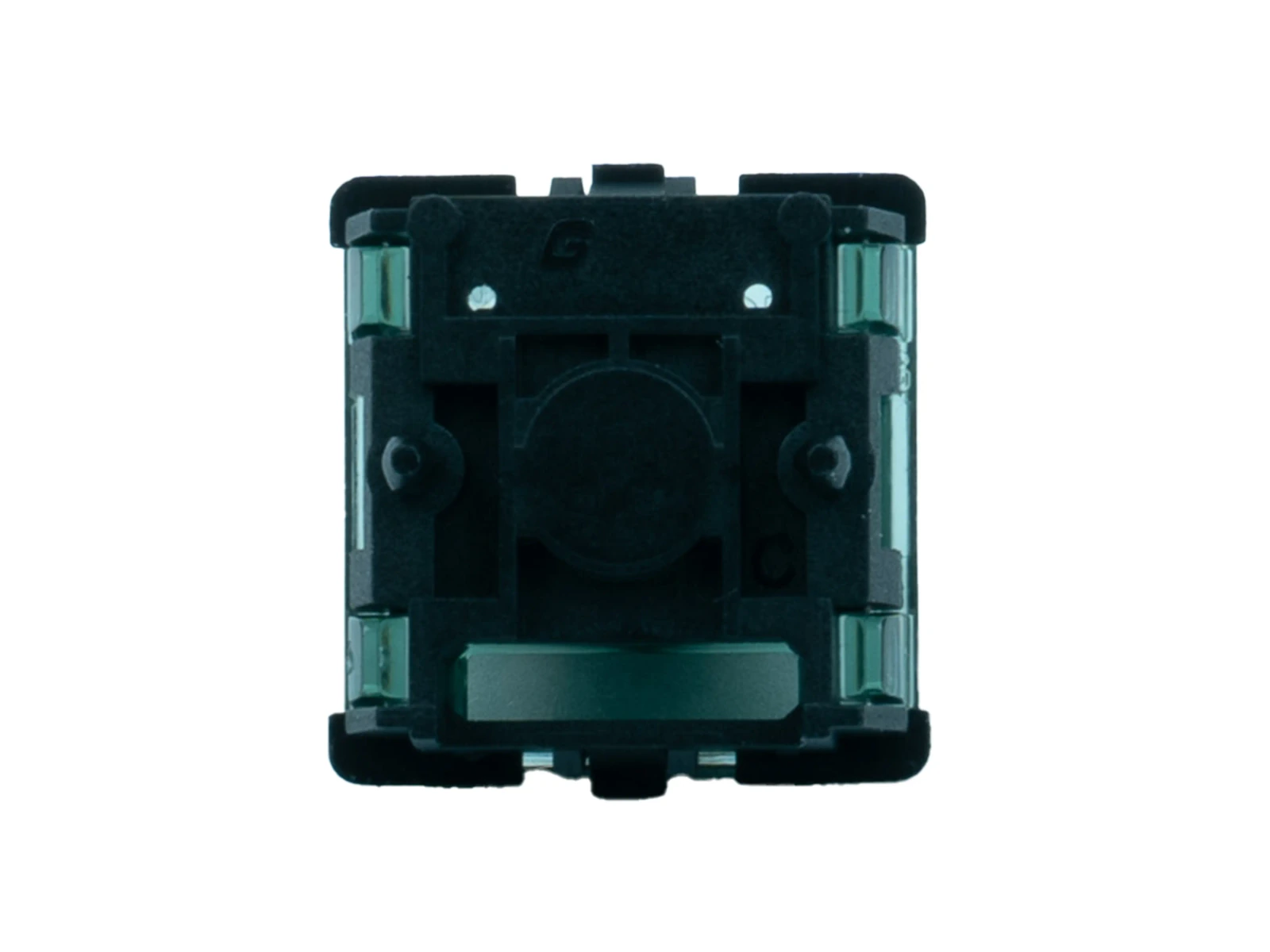
Confirm the keyboard has a Hall Effect magnetic PCB, not only an MX hot-swap socket. Check the required magnet polarity and approved switch family.
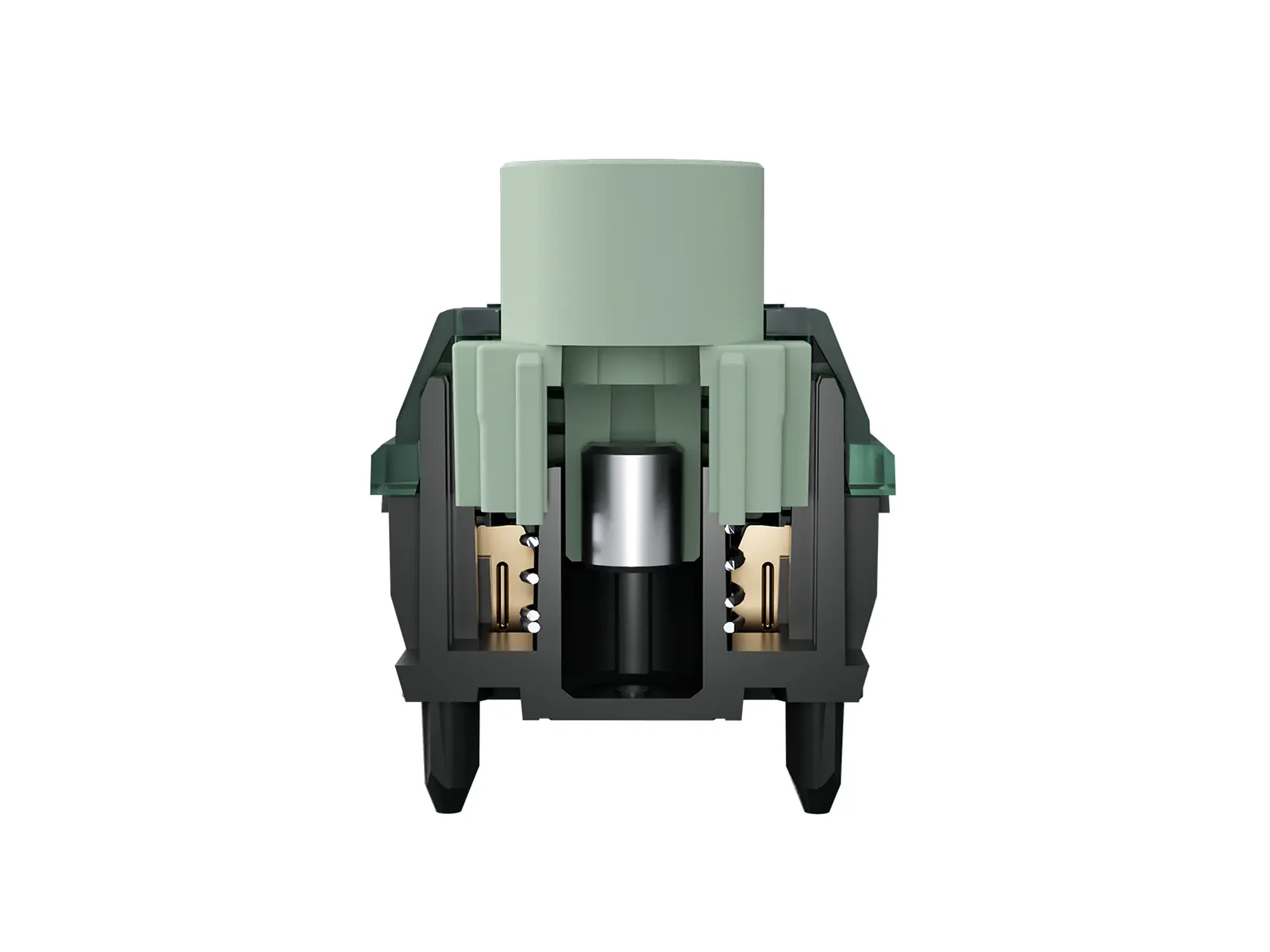
Confirm the PCB and firmware can calibrate this switch before planning to use adjustable actuation or Rapid Trigger. If you are unsure, verify the exact board model and switch compatibility before planning a larger switch replacement.
Choose your keyboard layout to get a practical starting quantity. Then confirm the exact key count for your board and decide how many spare switches you want for testing or replacement.
Core, Feel & performance and Build specifications.
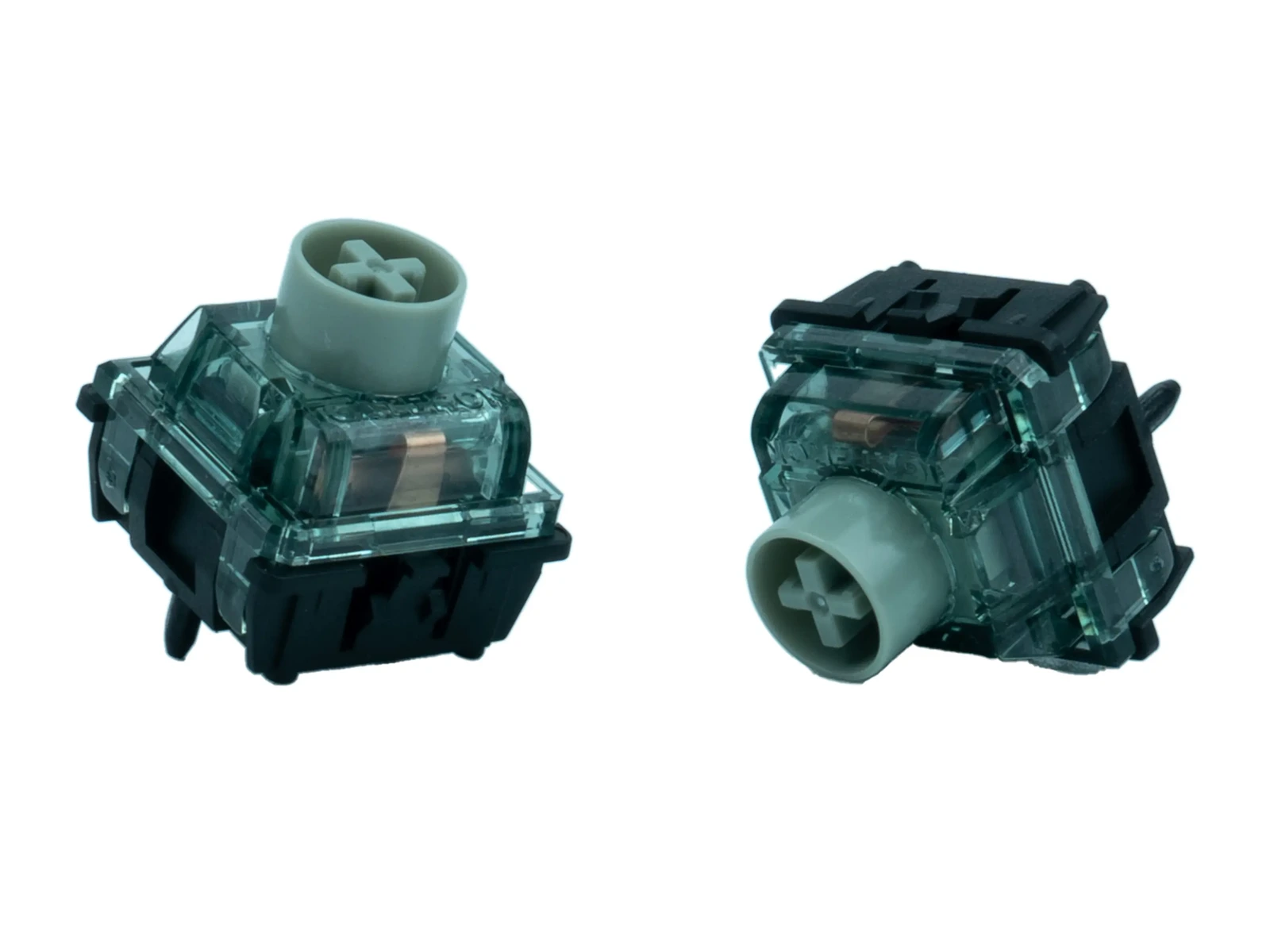
How can a Hall Effect switch feel tactile? Dragon Roar uses an additional alloy tactile element to add resistance and release during the press. Its magnetic sensor still measures stem position without a conventional electrical contact trigger. That means the tactile event is mechanical feedback for your finger, not the electrical actuation signal. If you are used to linear HE switches, this is the defining difference. Dragon Roar, Longyin and Magnetic Jade Emerald. Dragon Roar is the English product name used by specialist retailers; Longyin is its Chinese name. This tactile design is also listed as Magnetic Jade Emerald. Do not confuse it with Gateron Magnetic Green Dragon, a separate linear product.
Can Rapid Trigger be tuned around a tactile bump? Compatible Hall Effect firmware can set when a press registers within the stroke, while the physical tactile bump stays where the mechanism puts it. Try moderate settings first, then move the actuation point and release sensitivity gradually. An extremely shallow setting is not automatically the best-feeling setup with an early tactile event. Available features and minimum settings depend on the keyboard, not the switch alone.
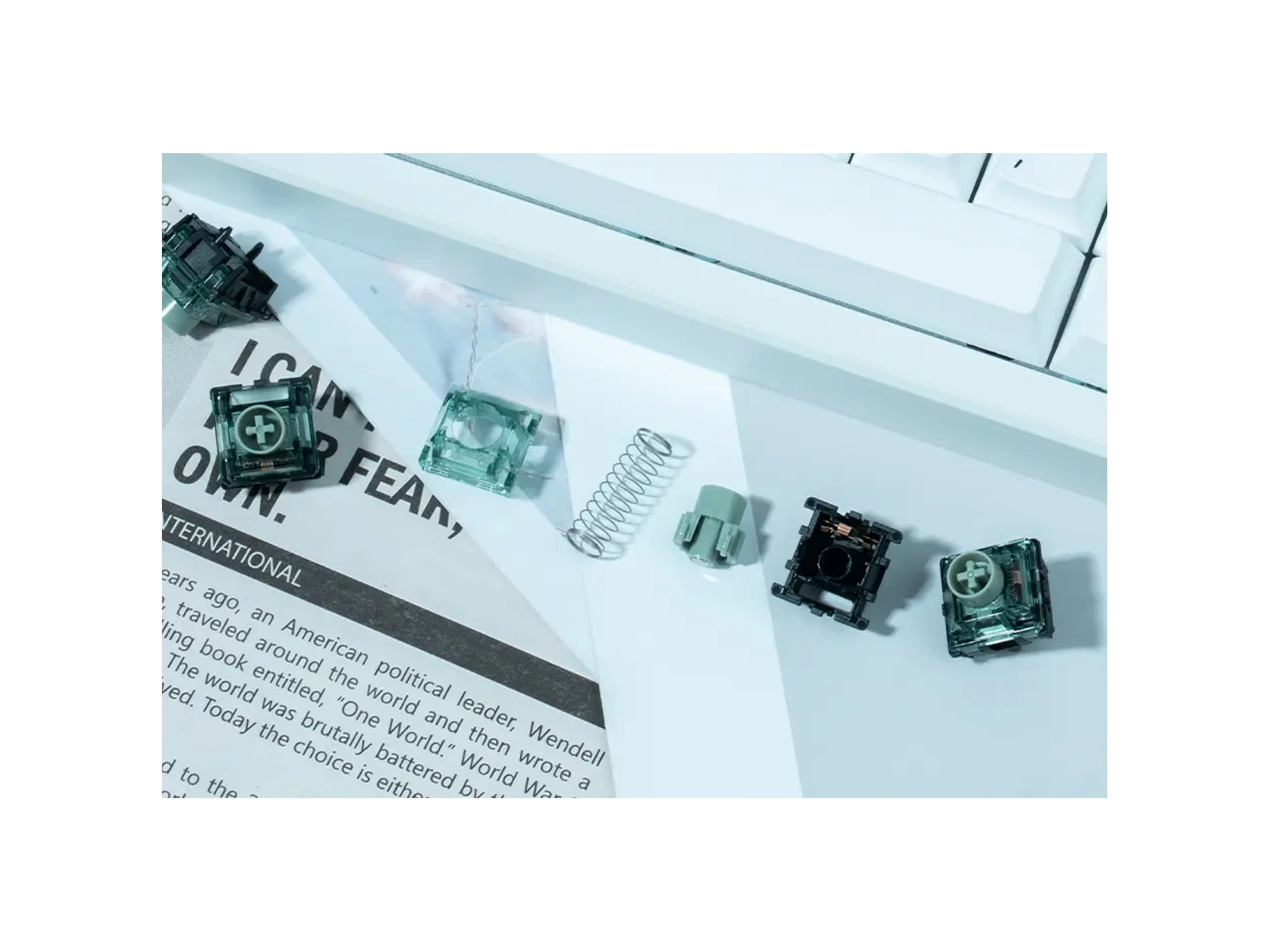
A sound test from another keyboard may help you understand the intended character, but it cannot guarantee the same acoustic result in your own plate, case and keycap combination.
It is a tactile Hall Effect magnetic switch. It uses magnetic sensing to register travel and a physical tactile mechanism to create the bump. It is not compatible with a mechanical-only PCB.
The Dragon Roar/Longyin name is also used for Gateron’s Magnetic Jade Emerald tactile design. Check the model and specifications if a seller uses a different product name.
Gateron markets the switch as heavy tactile, but independent hands-on reports vary: the bump occurs early and some reviewers find it less forceful than the name suggests, especially next to its pronounced bottom-out. Judge it as an HE switch with a real bump, not a guaranteed strong-bump feel.
The switch supports magnetic position sensing, but the actuation range and Rapid Trigger behavior are set by your keyboard’s sensor and firmware. Verify that your specific HE board supports and calibrates the switch.
Not if the board only supports conventional mechanical switches. A physically similar socket is not enough; the PCB needs compatible Hall Effect sensing.
Gateron lists an operating force of 55±10gf and 3.5±0.1mm total travel. Actuation depth is adjustable on supported HE boards.
It is a tactile HE switch, not a dedicated silent or conventional clicky switch. Independent reviewers disagree about how loud the bottom-out feels and sounds. Keyboard construction strongly affects acoustics, so no fixed loudness rating is claimed.
The listed configuration contains 10 Dragon Roar switches and is intended for limited key testing or spares. It will not cover a typical full keyboard, and KeebPilot is not currently offering it for purchase.
Yes. Gateron specifies factory pre-lubrication.