A strong fit if you want
- You want clear, immediate tactile feedback for typing, coding, or everyday keyboard use.
- You prefer near-full key travel instead of an extremely short, abrupt tactile stroke.
- You want a factory-lubed tactile that feels distinctive without relying on a very heavy spring.
Trade-offs and compatibility checks
- Hard bottom-outs can make the switch sound noticeably sharper and more aggressive.
- Independent testing found some switch-to-switch variation in scratch, sound, and bottom-out character.
- Choose something milder if you want subtle tactility or a consistently deep, muted sound.
TYPING FEEL & SOUND
Immediate Tactility With Enough Travel to Feel Complete
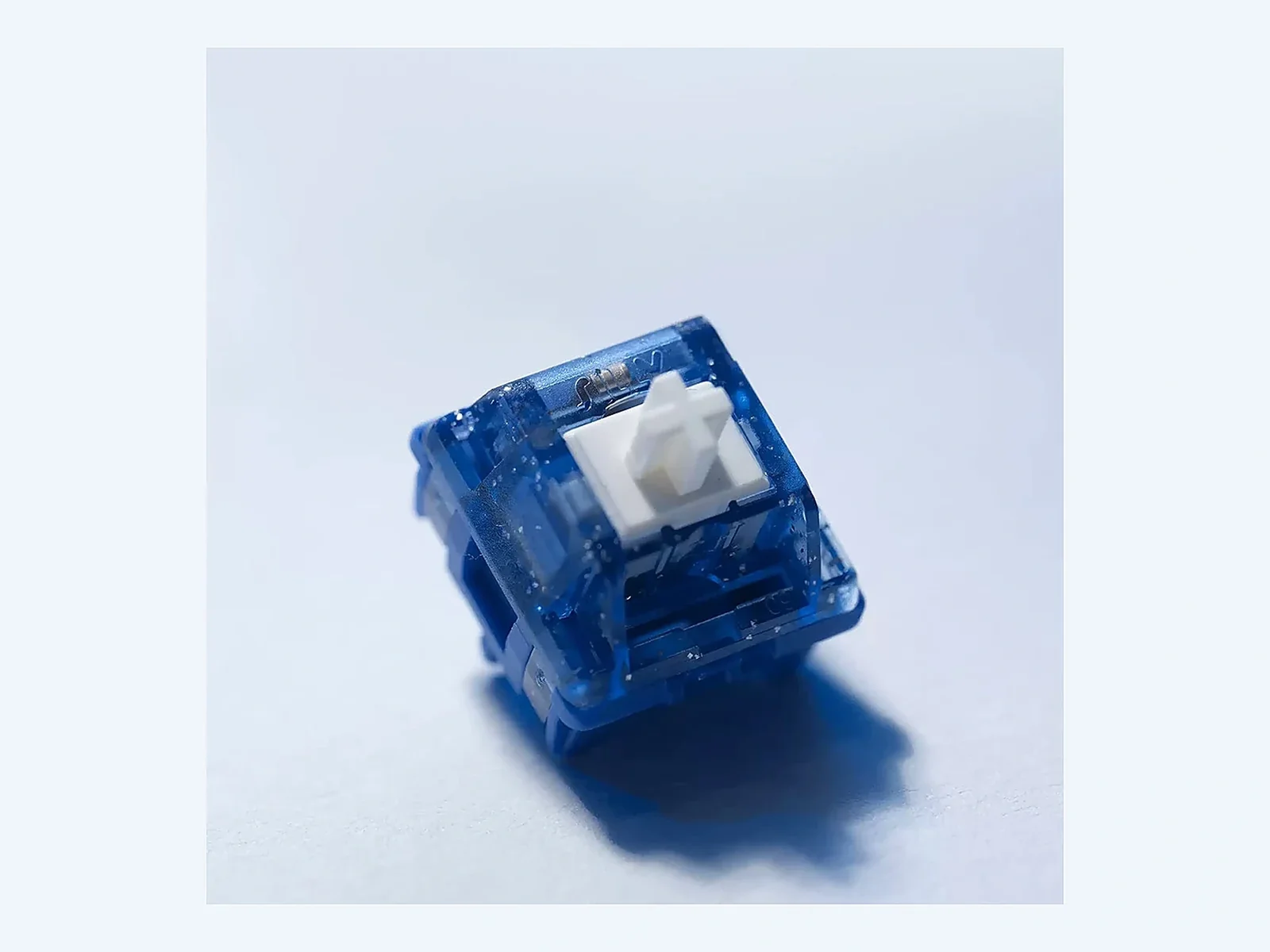
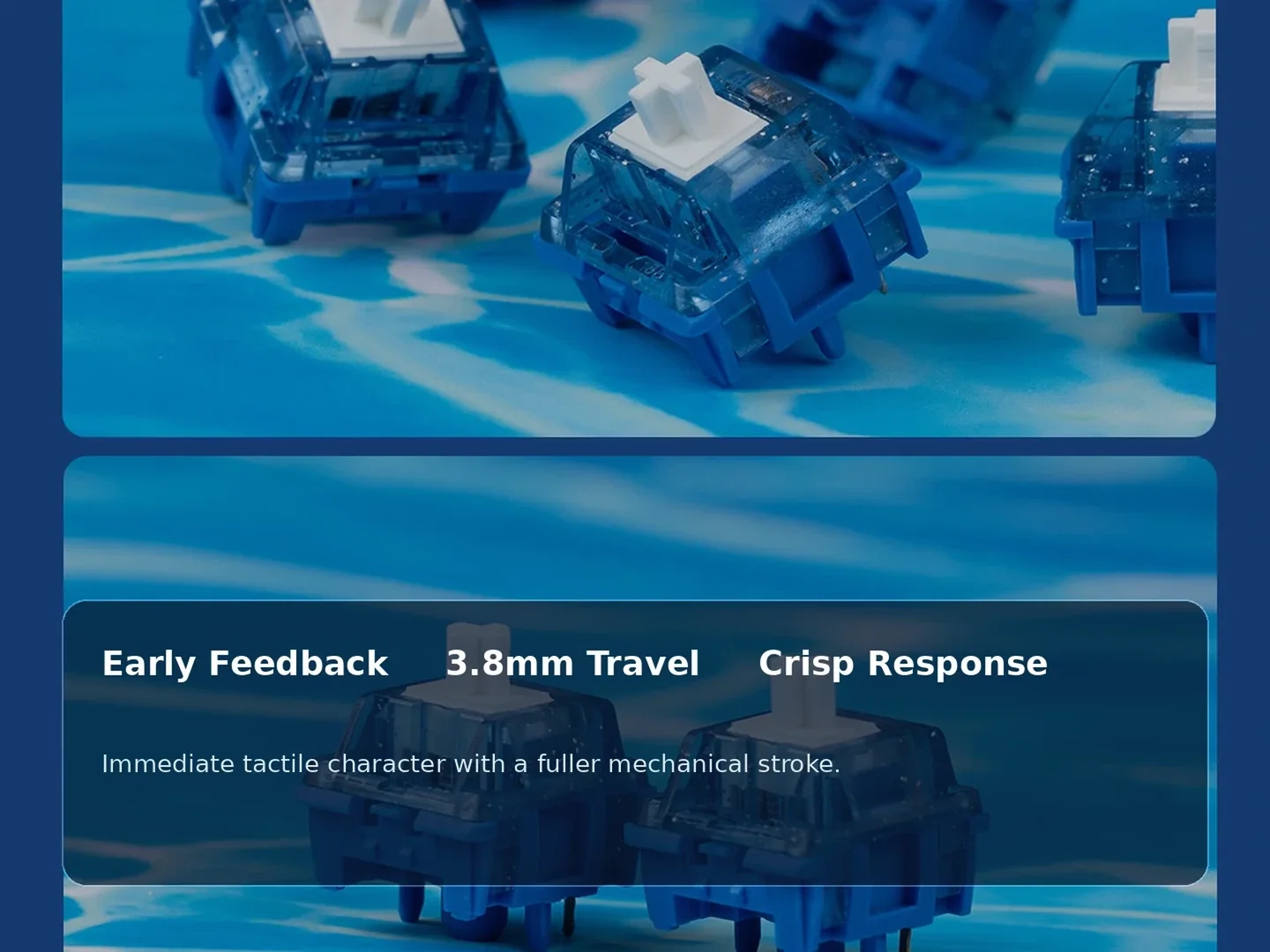
Waverider V2 begins its tactile event almost immediately, with very little linear movement before the bump. Independent testing describes it as a medium to medium-strong tactile with a snappy, forceful response near the top of the stroke. That gives typists a clear physical confirmation without requiring an unusually heavy operating spring. For writing, coding, and other feedback-focused work, the switch feels deliberate rather than vague, while the relatively controlled spring weight keeps the keystroke from turning into a heavy-finger exercise during normal use. The result is tactile feedback that stays present even when you are not intentionally concentrating on each individual switch.
The 3.8mm total travel is just as important as the bump itself. Instead of ending almost immediately after the tactile event, the stroke continues far enough to preserve a fuller mechanical rhythm. That gives Waverider V2 a different character from shorter-travel tactiles that can feel abrupt or overly concentrated around the bump. Users who like an obvious tactile signal but still want room for the keypress to finish naturally may find this combination especially satisfying, particularly in typing-heavy builds where feel matters on every single stroke. That fuller finish also makes the switch easier to understand for users coming from traditional 4.0mm mechanical switches.
- The tactile bump arrives very early, so each press delivers clear physical confirmation before much linear travel occurs.
- Medium-strong tactility creates a pronounced sensation without forcing the switch into an unusually heavy overall spring feel.
- The longer 3.8mm stroke gives the keypress more follow-through than many modern short-travel tactile designs.
Choose Waverider V2 when you want the tactile event to be unmistakable, but you still value a fuller 3.8mm stroke after that early feedback.
CONSTRUCTION & SPECS
Materials and Force Numbers That Explain the Feel
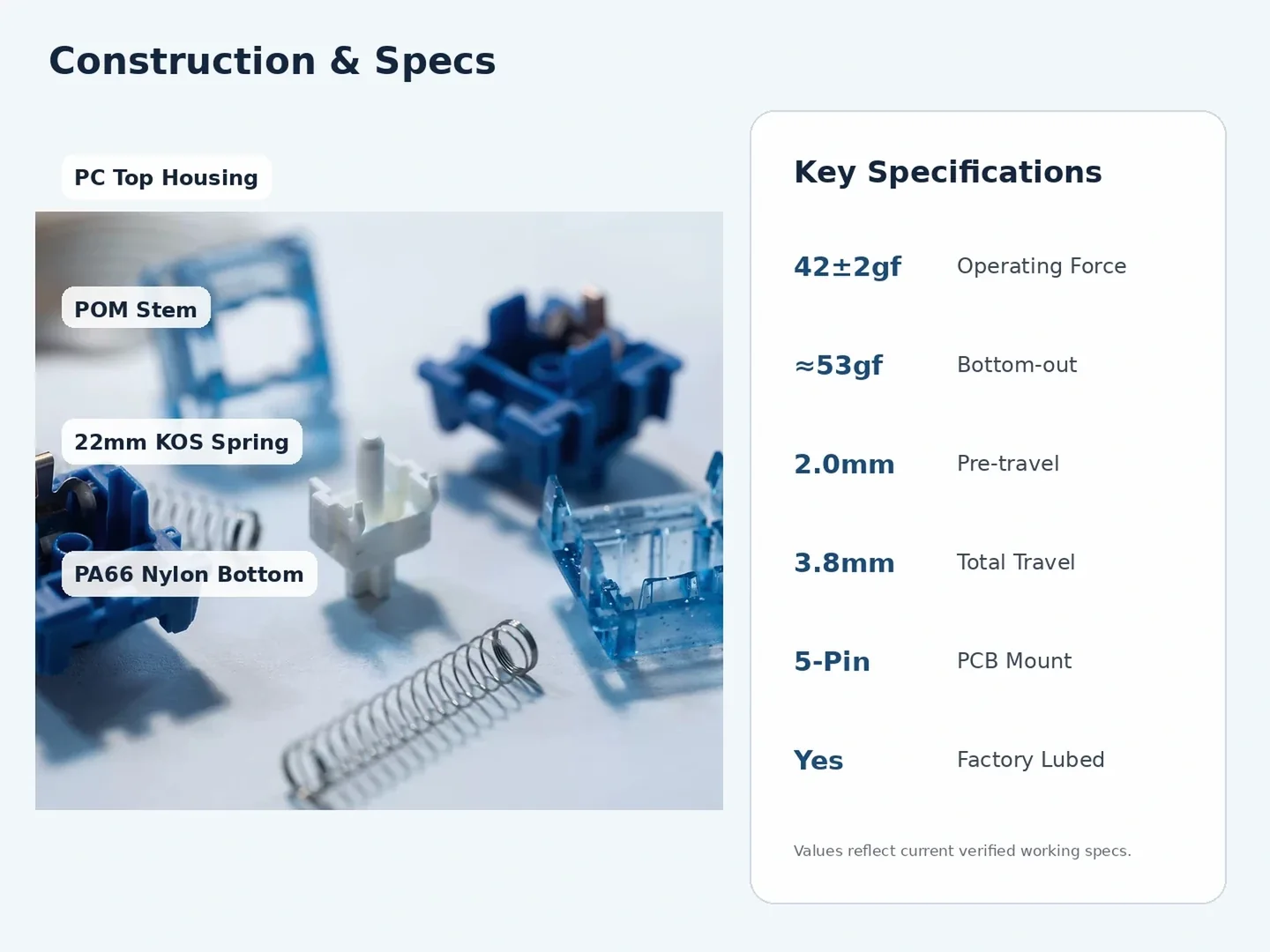
Waverider V2 arrives factory lubed, so you can install it and assess its tactile character before deciding whether personal tuning is needed. That makes it a practical stock option for builders who want to try the switch as supplied.
The force numbers also need context. UniKeys lists a 42±2g operating force, while major retail sources place bottom-out around the low-to-mid 50g range. That can look light on paper, yet the early P-shaped tactile geometry makes the perceived feedback much stronger than the operating-force number alone suggests. The 2.0mm pre-travel and roughly 3.8mm total travel then give the switch enough distance to complete a recognizable MX-style stroke instead of feeling like a short, compressed tactile mechanism. In practice, the bump shape is therefore the dominant part of the experience, not simply the spring specification printed in a table.
- POM stem, PC top, and PA66 nylon bottom create the switch's core material stack and acoustic character.
- A 22mm single-stage spring supports the longer stroke while keeping the operating force relatively approachable.
- The 5-pin PCB mount, factory lubrication, and near-full travel make it ready for many custom MX-style builds.
Do not judge Waverider V2 by the 42g figure alone; the early tactile geometry is what turns a moderate spring into a much more assertive typing feel.
BUILD FIT & QUANTITY
Check Your PCB First, Then Buy the Right Count
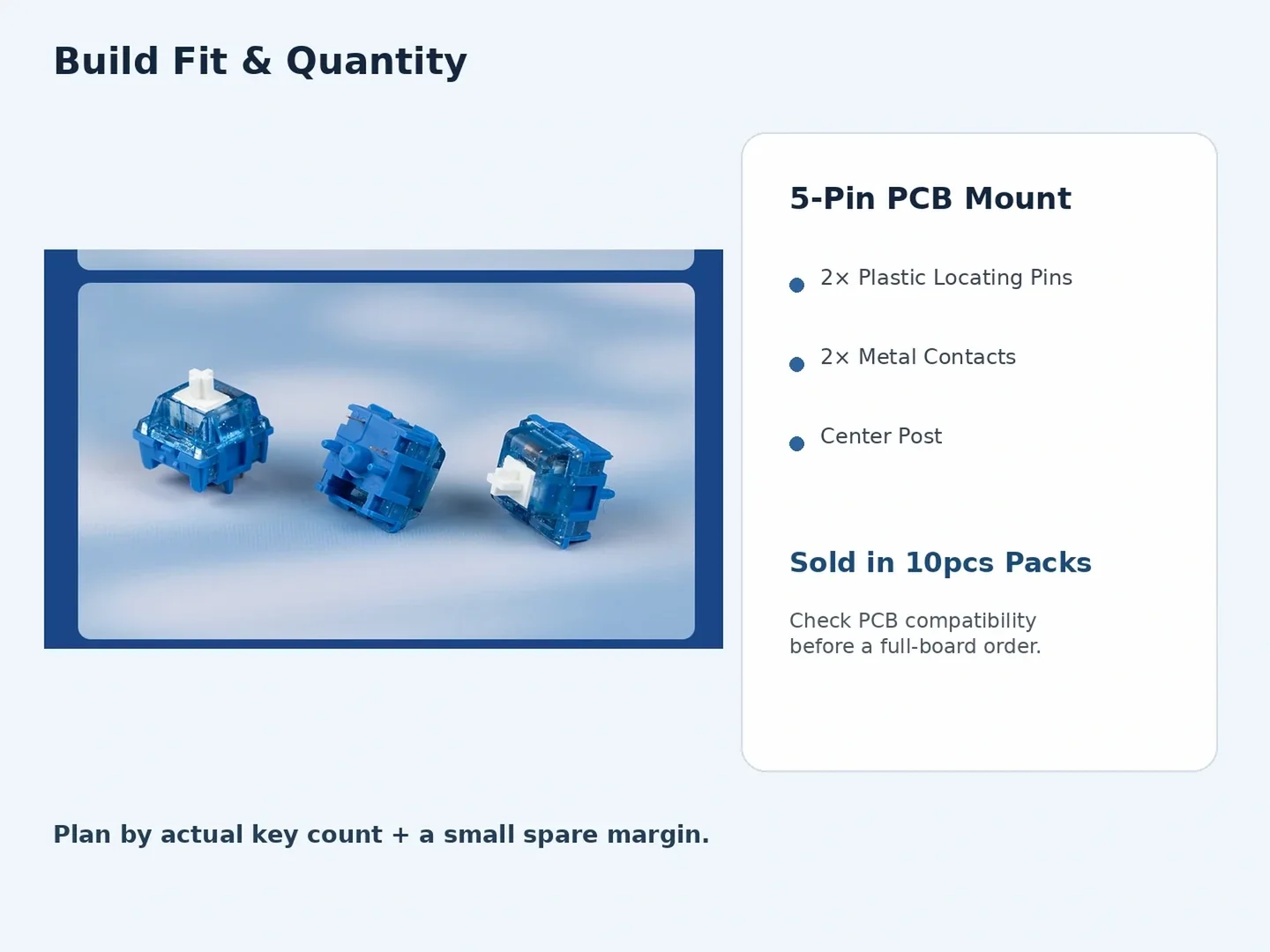
Waverider V2 uses a 5-pin MX-style PCB mount, so compatibility should be checked before ordering a full-board quantity. In addition to the central post and metal electrical contacts, the switch includes two plastic locating pins that help stabilize it on compatible PCBs. Most modern custom keyboard PCBs designed for 5-pin switches will accept this layout directly, but boards limited to 3-pin mounting may require those plastic pins to be clipped or another compatibility solution depending on the plate and PCB design. Checking this before purchase prevents a common situation where the switch itself is electrically compatible but cannot seat cleanly without modification.
KeebPilot sells Waverider V2 in 10-switch packs, which makes quantity planning more flexible. A small pack can be used to test the feel before committing to a complete keyboard, while larger builds can be covered by adding packs according to actual key count. For a 65%, 75%, TKL, or full-size board, count the switches you need and add a small spare margin for testing, replacement, or future maintenance. Buying by real layout is more useful than relying on a generic full-board quantity. That also avoids overbuying when you are only evaluating the switch or building a smaller layout.
- Two plastic locating pins distinguish the 5-pin base from a simpler 3-pin MX-style switch layout.
- Ten-switch packs let you sample the tactile feel before committing to enough switches for an entire keyboard.
- For full builds, count the layout first and keep several spare switches for testing or future replacement.
Confirm that your board accepts 5-pin MX switches, then purchase by actual key count plus a small spare margin instead of guessing at quantity.
COMPARE ALTERNATIVES
Compare by Tactile Character, Not Brand Name Alone
Waverider V2 makes the most sense when you compare switches by tactile shape and travel rather than simply shopping by HMX branding. Independent side-by-side testing found HMX Frog especially close in tactile feel, while also reporting stronger consistency from the Frog samples in sound and stroke behavior. That makes the comparison useful: Waverider V2 offers the immediate, medium-strong bump and longer travel that define its character, but buyers who prioritize batch uniformity above all else may reasonably prefer a cleaner alternative. It is a better decision framework than assuming two switches from the same manufacturer will necessarily deliver the same experience.
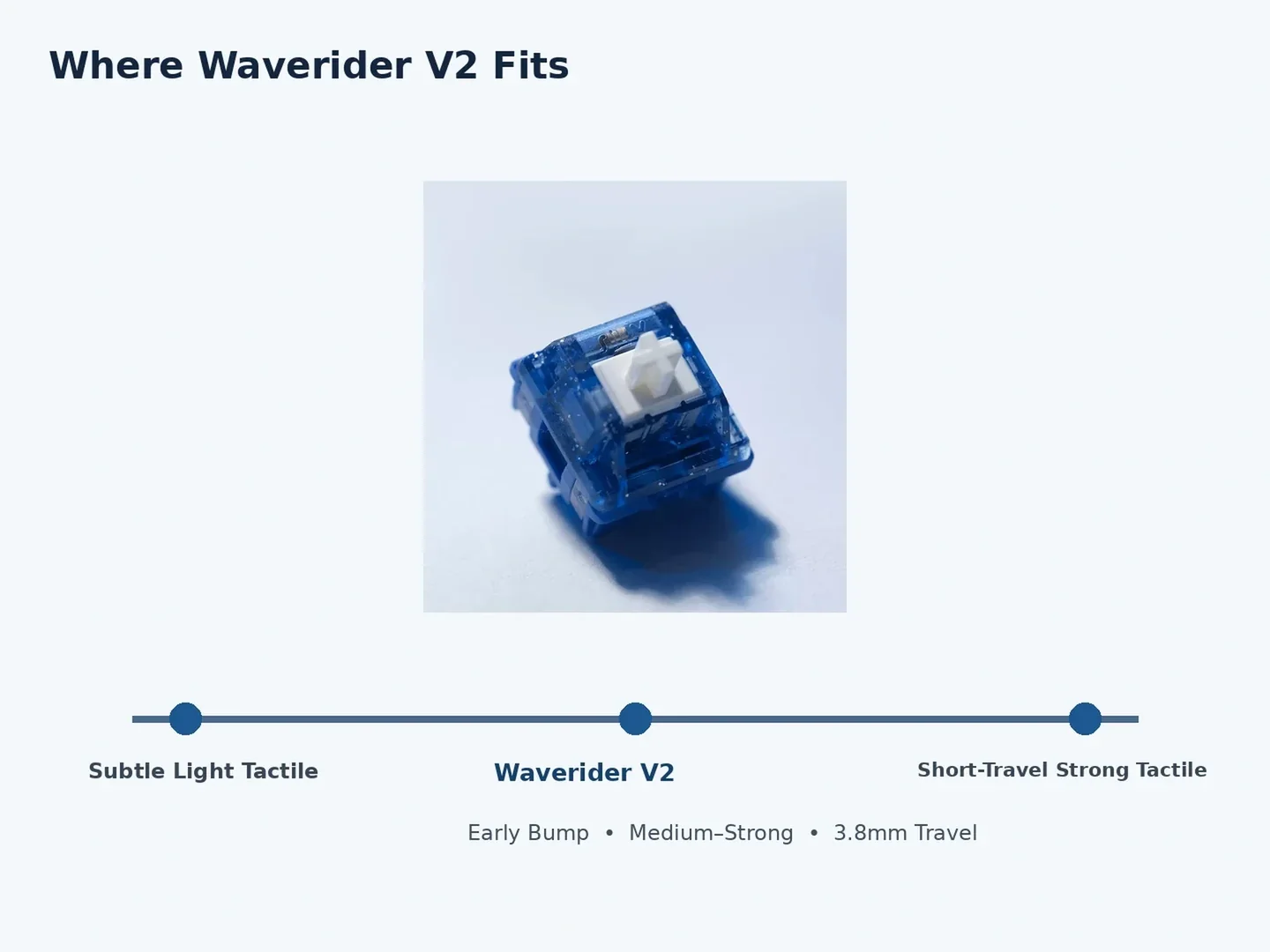
At the other end of the spectrum, lighter tactiles trade some of that obvious feedback for a softer, less intrusive keypress, while short-travel strong tactiles concentrate more of the experience into the bump and bottom-out. Waverider V2 sits between those extremes. It is not subtle, but it also does not collapse the whole keystroke into a short tactile event. The combination of early feedback and 3.8mm travel is the real reason to choose it over alternatives that are lighter, shorter, or more consistency-focused. This middle position is also why it works well as a reference point for shoppers moving from light tactiles toward stronger feedback.
- HMX Frog is a useful tactile-feel reference and showed stronger consistency in independent batch testing.
- Lighter tactiles reduce bump intensity, while short-travel tactiles make the event feel more concentrated and abrupt.
- Waverider V2 stands out by pairing obvious early tactility with a longer 3.8mm overall stroke.
Pick Waverider V2 for an immediate, snappy bump with longer follow-through; choose another tactile if subtlety or maximum batch consistency matters more.